
Size chart maker
Make a size chart for your listing. Save it as an image or copy it as a table.
Make a size chart
| Measurement | ||||||
|---|---|---|---|---|---|---|
Template numbers are examples. Replace them with your own measurements.
How to measure clothes
Lay the garment flat, smooth it and measure in a straight line.
01
Chest
Armpit to armpit across the front. Double it for the full chest if your chart shows circumference.
02
Length
From the highest point of the shoulder, next to the collar, straight down to the hem.
03
Sleeve
From the shoulder seam to the cuff along the top of the sleeve.
04
Waist
Across the top of the waistband, edge to edge. Do not stretch elastic.
05
Hip
Across the widest part, about 7 to 8 inches below the waistband.
06
Inseam and rise
Inseam: crotch seam to hem along the inner leg. Rise: crotch seam to the top of the waistband.
Details
Say which kind of number the chart holds. Garment measurements describe the item laid flat; body measurements describe the person it fits. Mixing the two up leads to wrong-size orders.
Measure two pieces of each size if you can and round to the nearest half inch or centimeter. For stretch fabric, add a note such as “Stretch: fits up to 2 inches larger”.

Where a size chart goes
- PNGAs a listing photo
- HTMLIn a description
- CSVIn a spreadsheet
Formats explained
| Export | Use it for | Tip |
|---|---|---|
| PNG image | A photo slot in a listing on any marketplace | Put it after the product photos. Square 2000 × 2000 fits most slots; check the size in the image resizer. |
| HTML table | A Shopify product description, a size guide page or your own site | Paste it into the code view of the editor. It has no styles, so it takes your theme’s look. |
| CSV file | Your spreadsheet or catalog tools | Keep one master file per product type and copy charts from it. |
Shopify product descriptions accept HTML. On marketplaces, an image is the most reliable way to show a chart, because description formatting varies by site and app.
Show the fit, then the numbers
Flat lay 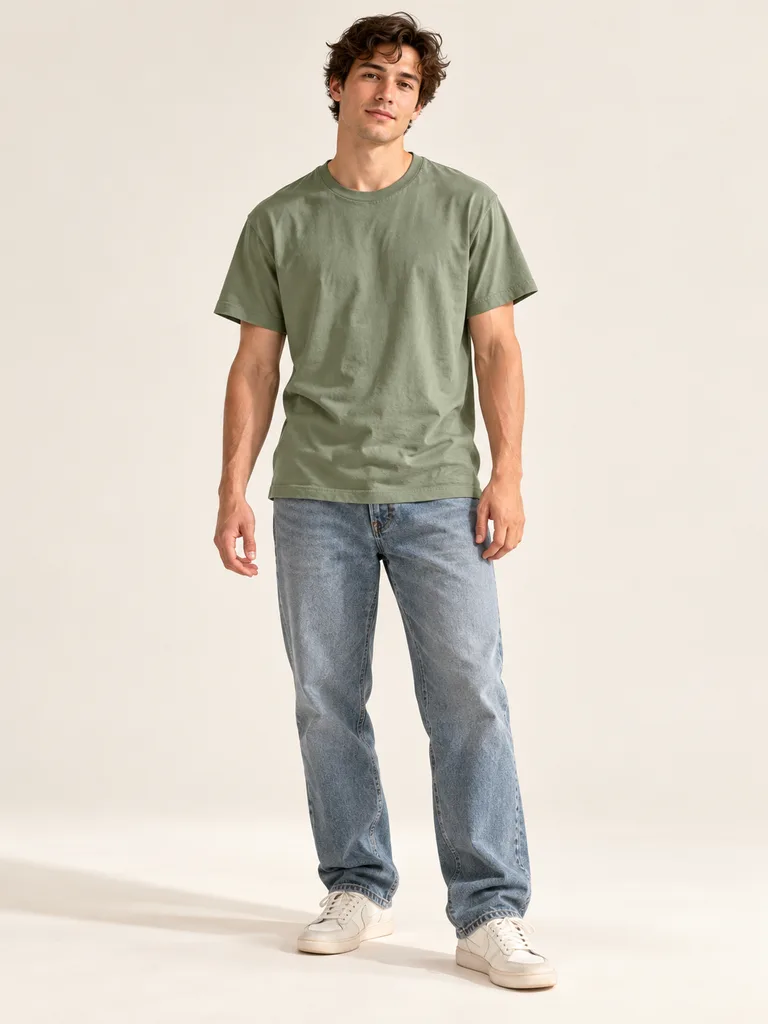
On a model Kids set

About these shots
- Flat lay
- The flat shot is where chest and length are measured.
- On a model
- The same tee from the same snapshot, on a model for fit.
- Kids set
- Kids charts usually list height first.
The before photos on this page are generated stand-ins for a seller’s phone snapshot. Each result is the named Sweepshot scene applied to that snapshot, with no retouching afterwards.
Questions
Is this size chart maker free?
Yes. It runs in your browser with no sign-up, and nothing you type is sent anywhere.
Are the template numbers standard sizes?
No. The clothing templates hold example numbers so you can see the layout; replace them with measurements of your own items. The ring chart uses the standard US ring scale with inside diameters.
Inches or centimeters?
Use the units your buyers expect: inches for the US, centimeters for most other markets. The switch converts every number and rounds to the nearest half.
How do I add a size chart in Shopify?
Copy the HTML table, open the product description, switch the editor to code view and paste it. For many products, put it on a size guide page and link to it.
What image size should a size chart be?
Square 2000 × 2000 px works in most listing photo slots. Choose Wide or Portrait if your theme or marketplace shows images in that shape.
Can I add more sizes or measurements?
Yes. Add or remove rows and sizes, rename any cell, and change the title and the note under the table.
