
Ghost mannequin photos from a phone snapshot
Hollow neck, full sleeves, pure white. No mannequin to buy.


Six garments, one scene
T-shirt Hoodie Wrap dress Oxford shirt Cable knit Denim jacket
About these shots
- T-shirt
- Crew neck open at the back, print kept.
- Hoodie
- Hood up, pocket and leaf logo in place.
- Wrap dress
- Tie, ruffle and flutter sleeves from a hanger shot.
- Oxford shirt
- Collar stands, stripes run straight.
- Cable knit
- Cables keep their direction and scale.
- Denim jacket
- Worn in a selfie; only the jacket is left.
The before photos on this page are generated stand-ins for a seller’s phone snapshot. Each result is the named Sweepshot scene applied to that snapshot, with no retouching afterwards.
What the effect needs
01
A hollow neck
You see the inside of the back through the neck opening, in the garment’s own fabric.
02
Volume
Shoulders, chest and sleeves filled out as on a body, hem open.
03
Nothing else in frame
No mannequin, hanger, skin or hair. A worn photo keeps only the garment.
04
Pure white
The background is brought to exactly RGB 255 after the image is made; the soft shadow inside the garment stays.
05
The real garment
Cut, color, print, logos, buttons and stitching as in your photo; packaging creases smoothed.

Shooting the snapshot
01
Whole garment in frame
Sleeves, hood and hem visible; a hanger, a bed or a chair is fine.
02
Front side up
The scene shows the front; shoot the side with the print or the buttons.
03
Closed as you sell it
Button or zip it the way it should appear in the listing.
04
Daylight
A window beats a flash: colors stay true and prints stay readable.
05
Worn works too
A mirror selfie is enough. Hide your face if you like; the person is removed.

Ghost, flat lay or model?
- GhostShape on white
- Flat layFrom above
- ModelFit and drape
Side by side
| Ghost mannequin | Flat lay | On a model | |
|---|---|---|---|
| Shows best | Silhouette, neckline and volume, one uniform look for a whole range | Every detail at once: print, pockets, labels | Fit, length and movement |
| Typical use | Store catalogs and collection grids on white | Resale apps, kids clothes, sets | First photo, social posts, lookbooks |
| In Sweepshot | Ghost mannequin scene | Flat lay scene | Model in studio and five more model scenes |
All three come from the same snapshot, so one garment can get a ghost shot, a flat lay and a model photo. Check your marketplace’s main image rules for clothing before you choose the first photo.
Scenes to pair with it
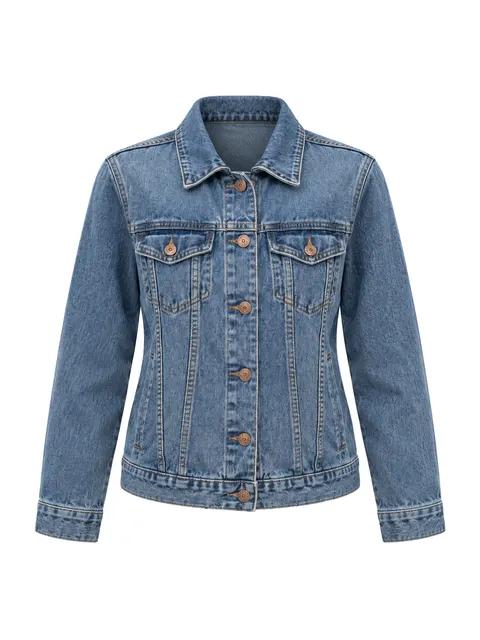
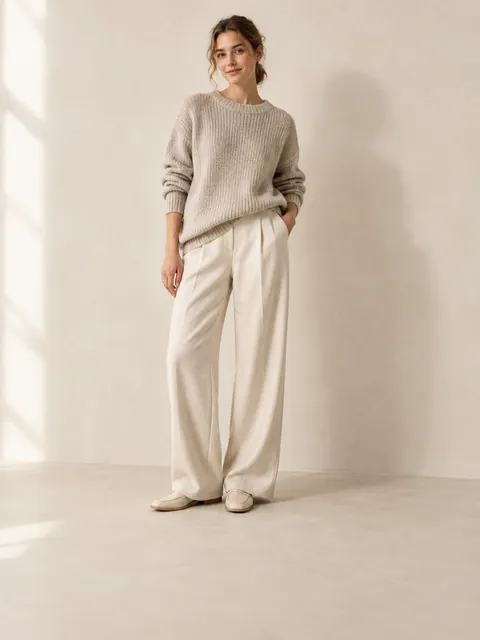
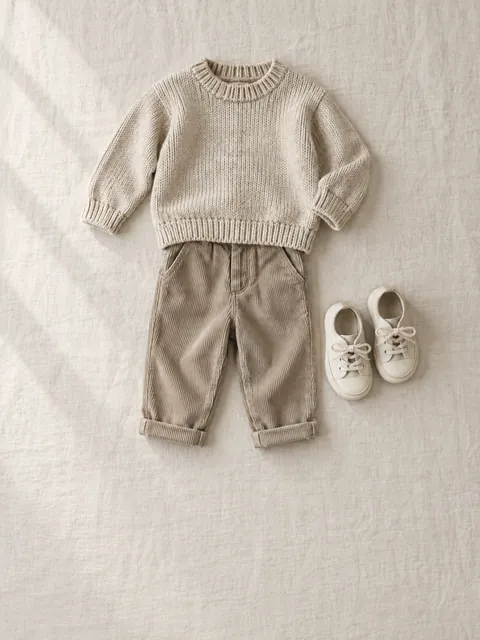
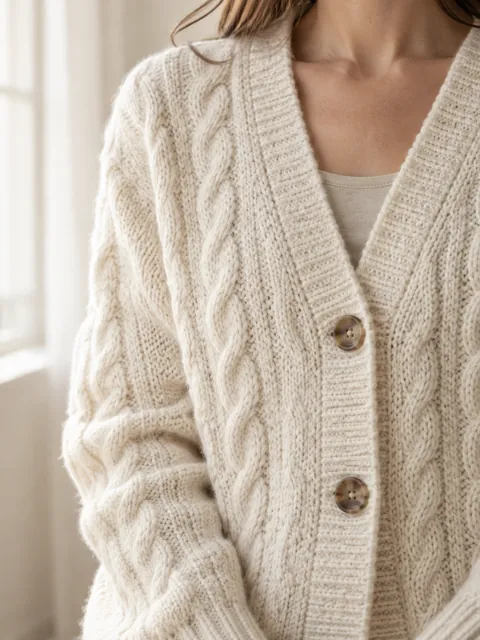
Questions
What is a ghost mannequin photo?
A clothing photo where the garment looks worn by an invisible body: it has volume, the neck opening is hollow and the inside of the back shows. Studios shoot it on a mannequin and edit the mannequin out; the Ghost mannequin scene makes it from one phone photo.
How do I create the ghost mannequin effect without a mannequin?
Upload a photo where the whole garment is visible, on a hanger, on a bed or worn, and pick the Ghost mannequin scene. It rebuilds the garment with natural volume on a pure white background.
Does it work for t-shirts, jackets and dresses?
Yes. The examples above are a t-shirt, a hoodie, a wrap dress, an oxford shirt, a cable-knit sweater and a denim jacket. Collars stand, hoods sit up and sleeves fill out.
Can I start from a photo of me wearing it?
Yes. The denim jacket above started as a mirror selfie. The scene keeps only the jacket, with no body, skin or hair in the result.
Is the background pure white?
Yes. After the image is made, the background connected to the edges of the frame is set to exactly RGB 255, 255, 255, the same pass the white background scenes use. The garment and the soft shadow inside it stay as rendered.
Will the print and logo stay the same?
The scene keeps the cut, color, print, logos, buttons and stitching from your photo and smooths packaging creases. Compare the result with the real item before you publish, as with any product photo.
