
Amazon A+ content image sizes
Every module’s minimum image size, checked 27 October 2026.
Size by module
- 970 × 600Image header
- 1464 × 600Premium banner
- 300 × 300Most image tiles
- 2 MBPer image, max
All modulesChecked 27 October 2026
| Module | Minimum image size (px) |
|---|---|
| Image header with text | 970 × 600 |
| Image text overlay | 970 × 300 |
| Company logo | 600 × 180 |
| Image and sidebar | Main 300 × 400, sidebar 300 × 175 |
| Single side image, three image text, multiple image text, single image highlights, single image specs detail | 300 × 300 |
| Four image text | 220 × 200 |
| Comparison table | 150 × 300 per product |
| Four image quadrant | 135 × 135 |
| Premium: full background, image carousel, navigation and regimen carousels, hotspots | 1464 × 600 desktop, 600 × 450 mobile |
| Premium: image text | 800 × 600 |
| Premium: dual image text | 650 × 350 |
| Premium: four column | 300 × 225 |
| Premium: comparison carousel | 488 × 700 |
| Premium: hero video | Preview image 1464 × 600, video 960 × 540 |
Sizes are the minimums in Amazon’s Selling Partner API documentation; Seller Central’s A+ help needs a login, so we could not check the editor’s own wording. Larger images in the same shape work.
Checked on 27 October 2026 against Amazon SP-API docs: A+ Content examples (module image minimums), Amazon SP-API docs: Premium A+ modules and Amazon: A+ content design guide (sell.amazon.com). Marketplaces change their rules; check your category before you publish.
Banners from one snapshot
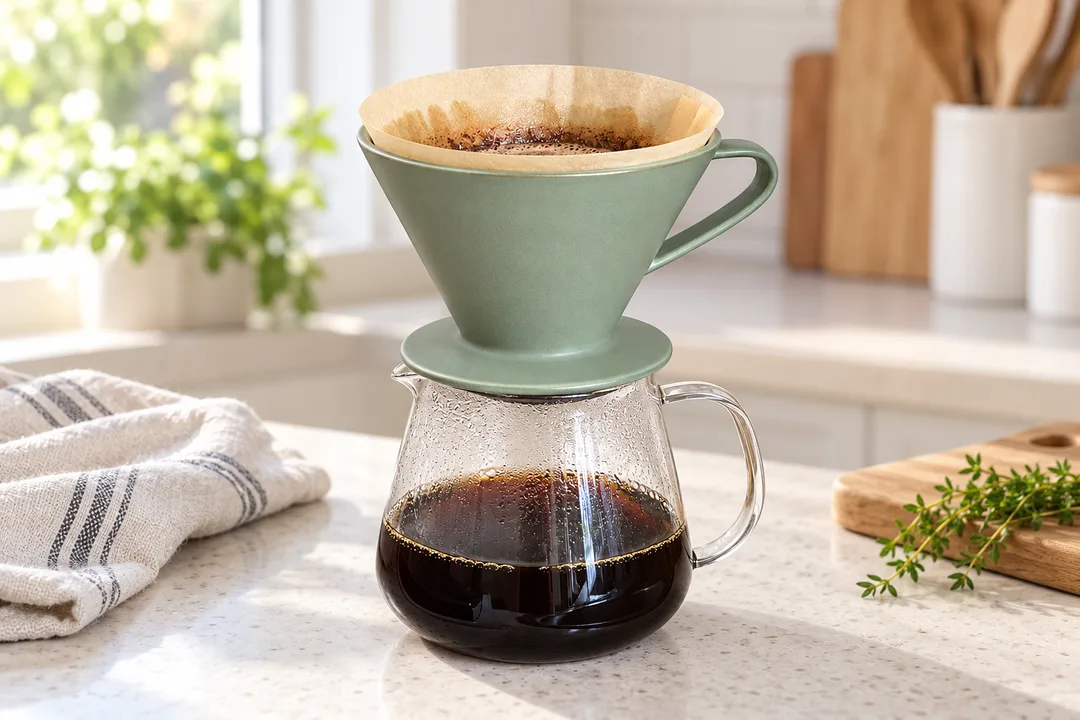
Kitchen banner 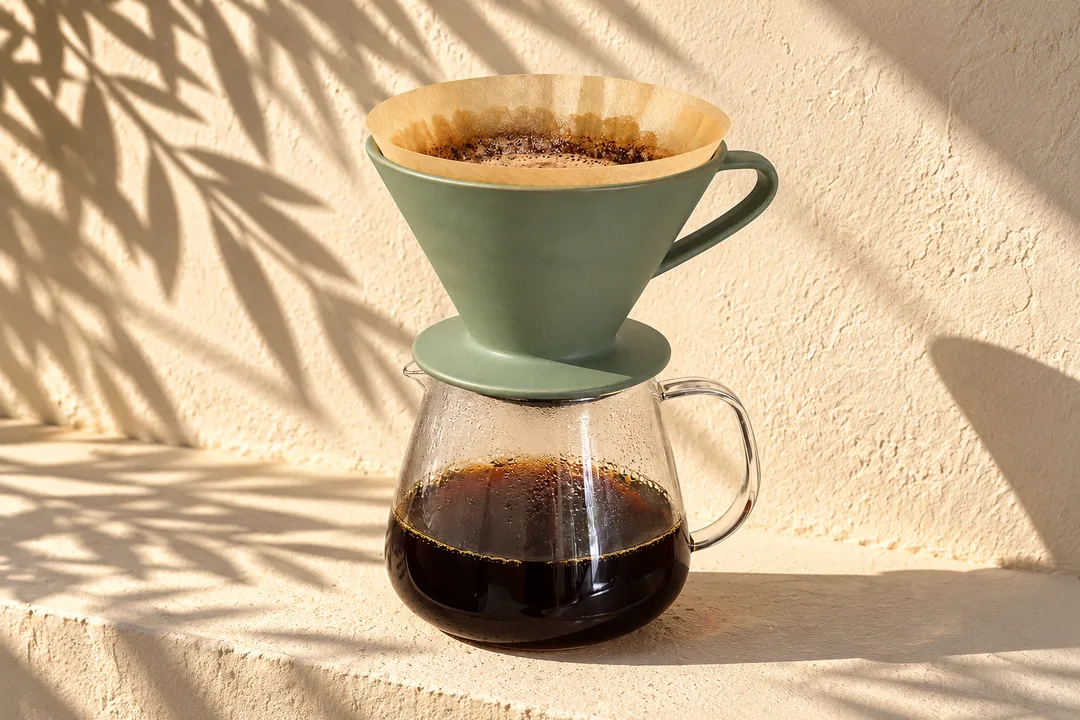
Sunlit banner


About these shots
- Kitchen banner
- Crop to 970 × 600 for the image header.
- Sunlit banner
- Crop to 1464 × 600 for a premium banner.
Both banners are 1536 × 1024 px (3:2), made from the snapshot below with the In the kitchen and Sun and shadows scenes. The before photos on this page are generated stand-ins for a seller’s phone snapshot. Each result is the named Sweepshot scene applied to that snapshot, with no retouching afterwards.
Square tiles for image modules
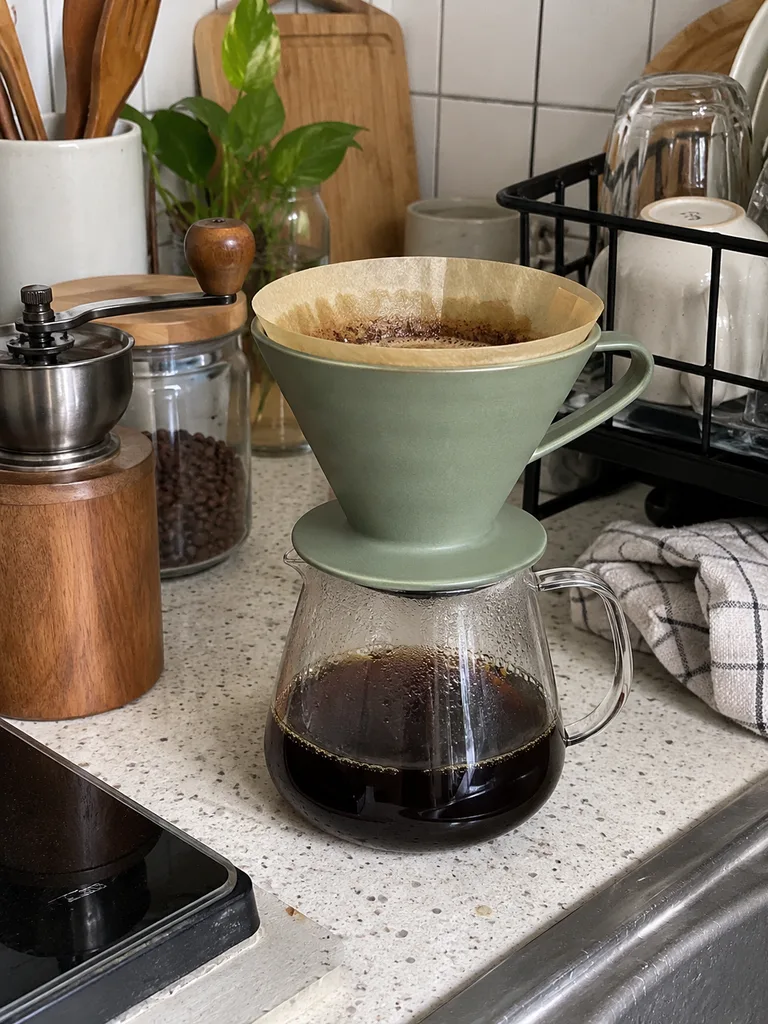
The snapshot 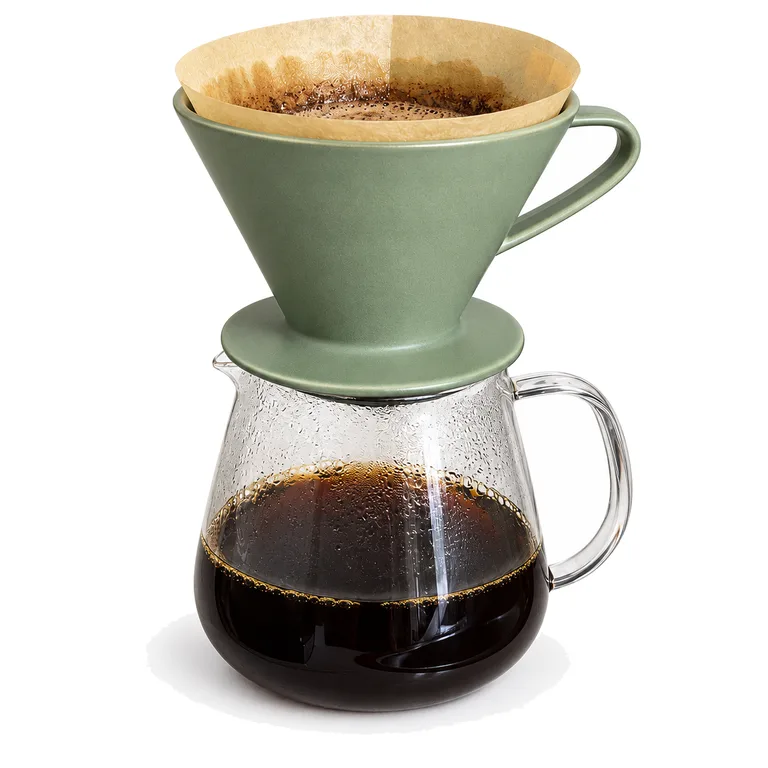
On white 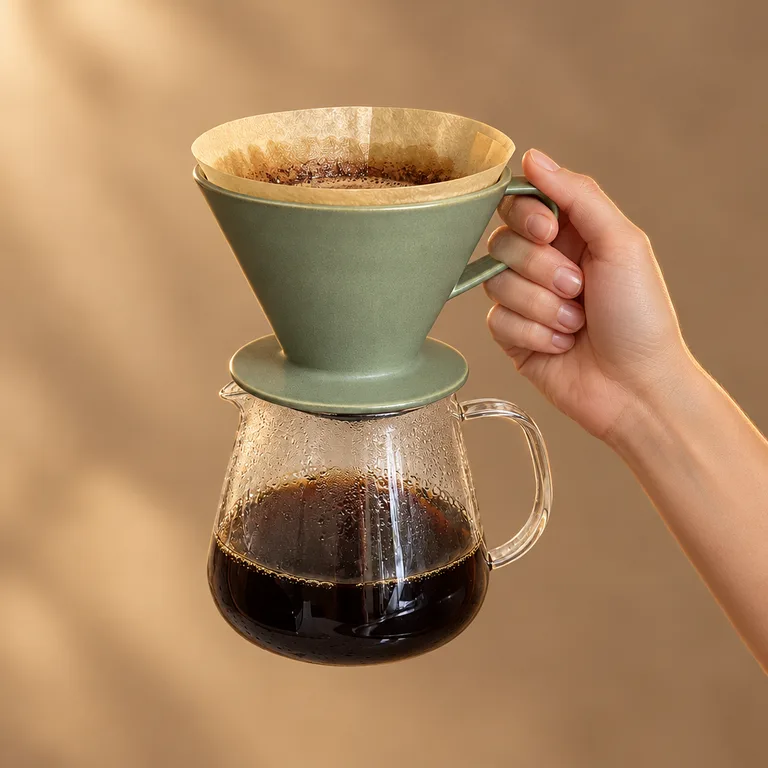
In hand

About these shots
- The snapshot
- The only photo the seller took.
- On white
- For three and four image text modules.
- In hand
- Scale and grip in one tile.
What A+ content may not show
- 5Basic modules per ASIN
- 7Premium modules
- No pricesOr promotions
- No competitorsNamed or compared
Rules and sourcesChecked 27 October 2026
| Rule | What it means |
|---|---|
| Who can use it | Sellers on a Professional plan enrolled in Brand Registry. |
| Modules | Up to five Basic modules per ASIN, up to seven with Premium. One document is all Standard or all Premium modules. |
| Not allowed | Pricing, promotions, shipping details, QR codes, links and contact information. |
| Claims | No “best-selling” or “top-rated” claims; no warranty or guarantee text; never reference or compare with competitors. |
| Awards | Name the certifying body and the year. |
| Images | Up to 2 MB each; avoid low-resolution and animated images. |
Rules checked on 27 October 2026 against Amazon: A+ content design guide (sell.amazon.com), Amazon: A+ content (sell.amazon.com) and Amazon SP-API docs: Premium A+ modules. Marketplaces change their rules; check your category before you publish.
Before you build the module
01
Shoot wide, crop later
Leave space on one side of a banner for the module’s headline and body text.
02
Text goes in the text fields
Keep words out of the pixels where the module has a text field: it stays readable on phones and translates.
03
One look across modules
Same light and surface in every banner and tile, as here.
04
Real product
Every image must show the product as it is; check details before you publish.
05
Under 2 MB
Export JPEG at the module size; the resizer can help.

Questions
What size are Amazon A+ content images?
It depends on the module. Amazon’s documentation lists minimums such as 970 × 600 px for the image header with text, 300 × 300 px for most image tiles, 220 × 200 px for four image text, and 1464 × 600 px for premium full-width banners.
What is the maximum file size for A+ images?
Amazon says A+ images should be no larger than 2 MB each.
How many A+ modules can I use?
Up to five Basic A+ modules per ASIN, and up to seven with Premium A+. A content document is either all Standard or all Premium modules.
Who can create A+ content?
Sellers with a Professional selling plan who are enrolled in Amazon Brand Registry.
What is not allowed in A+ content?
Prices, promotions, shipping details, QR codes, links, contact details, warranty or guarantee text, claims like “best-selling”, and any reference to competitors.
Can I make A+ images from a phone photo?
Yes. One snapshot gives you wide banners in a scene and square tiles on white or in a hand. Crop each to the module’s shape; a 1536 × 1024 px banner covers the 970 × 600 and 1464 × 600 minimums.
Where can I see A+ content examples?
The banners and tiles above are one example set. Amazon’s own design guide shows module layouts.
