
Put your clothes on an AI model, straight from a hanger photo
Studio or street, front and back, from one snapshot.


One dress, four model types
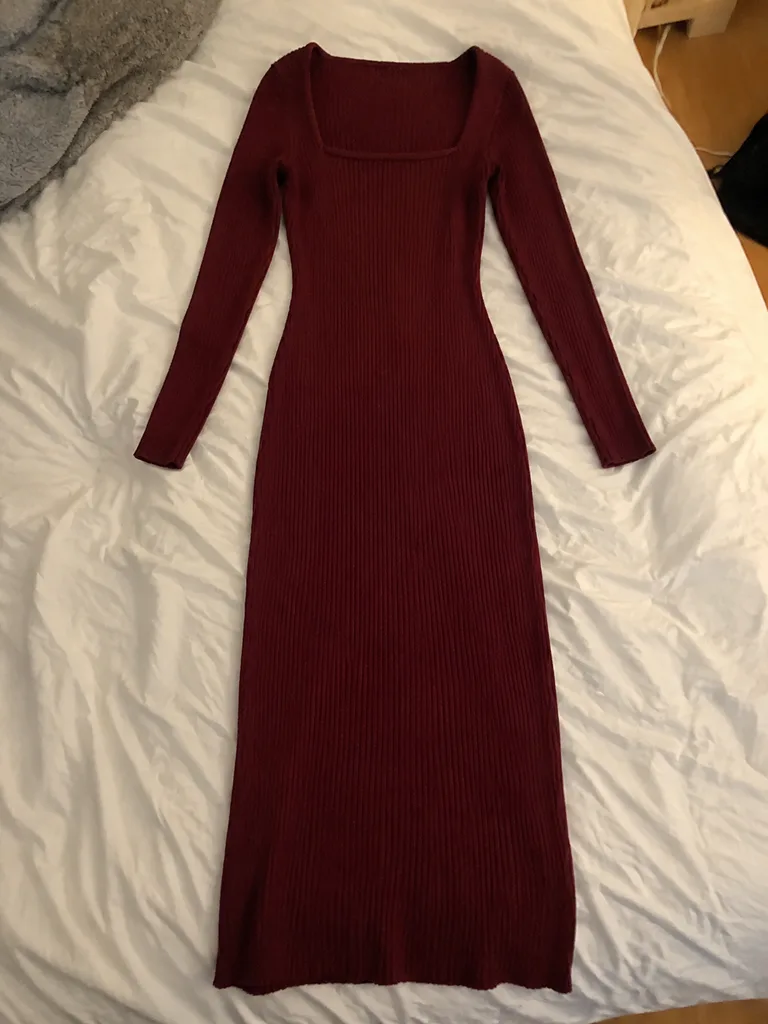
The only input 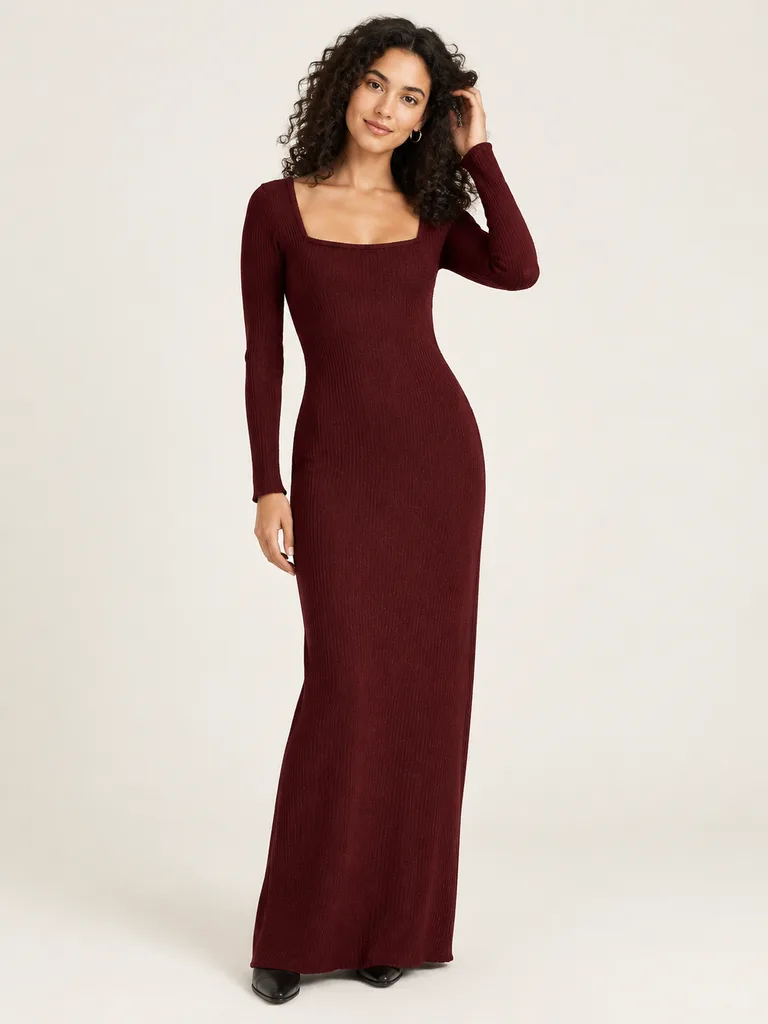
Model in studio 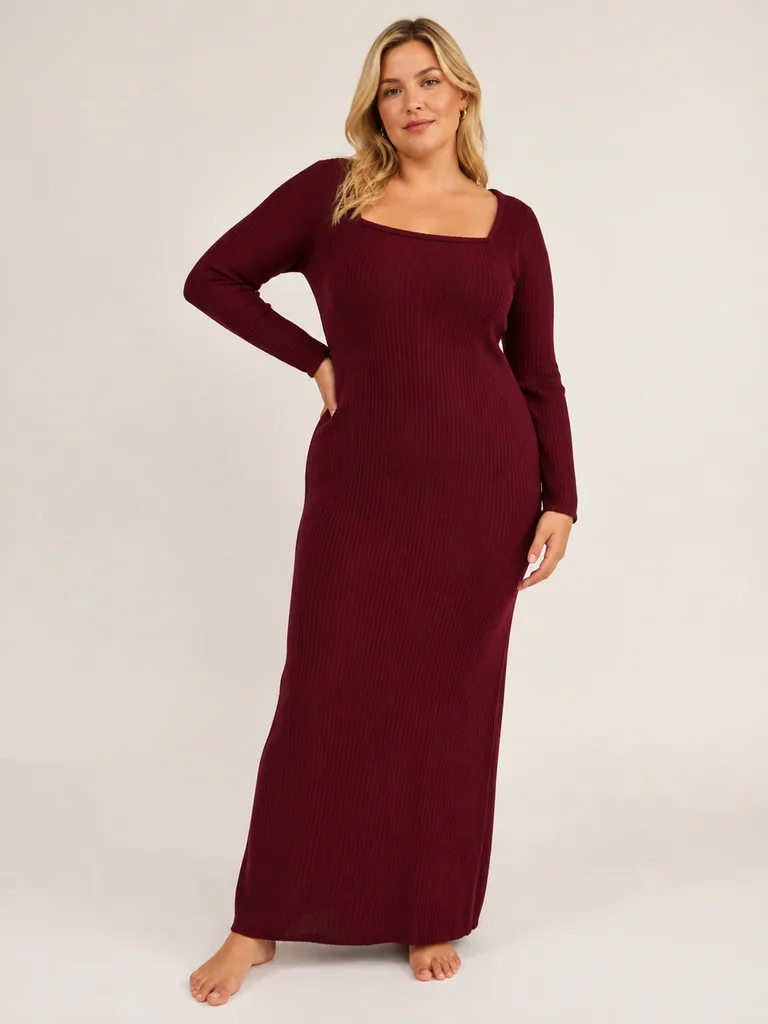
Plus-size 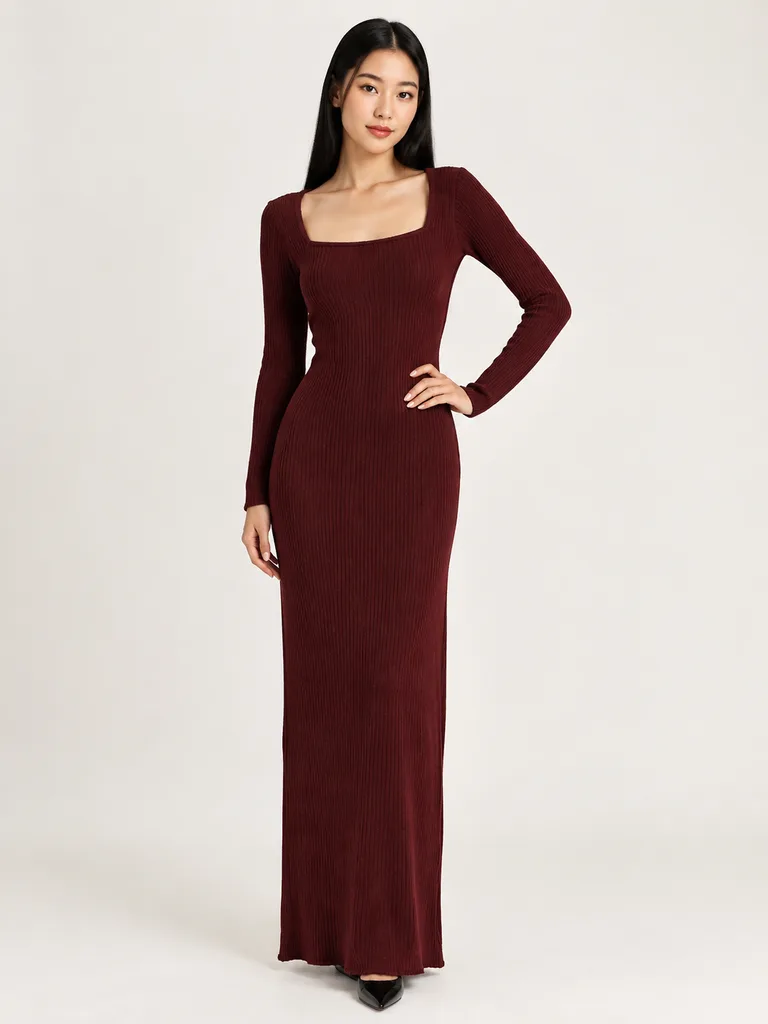
Asian 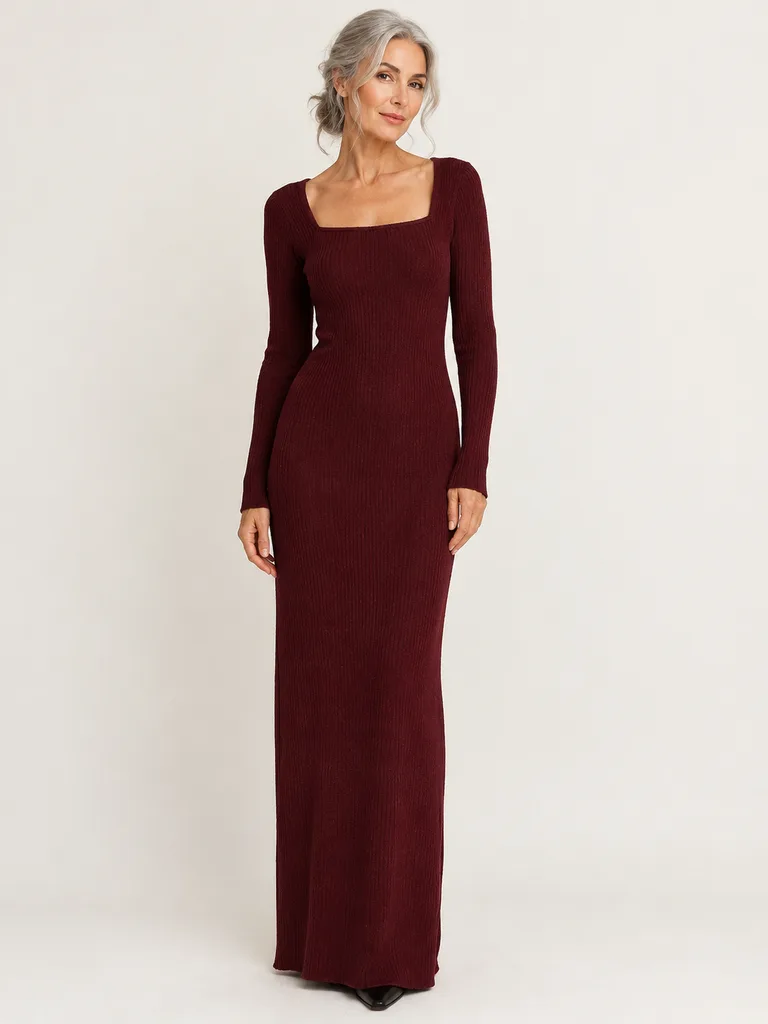
50+


About these shots
The same knit dress from one bed snapshot. Plus-size, Asian, 50+, man or woman: pick a type or describe the model you want.
- Model in studio
- Full length, light backdrop
- Plus-size
- Same dress, same backdrop
- Asian
- Same dress, same backdrop
- 50+
- Same dress, same backdrop
One coat, the whole listing
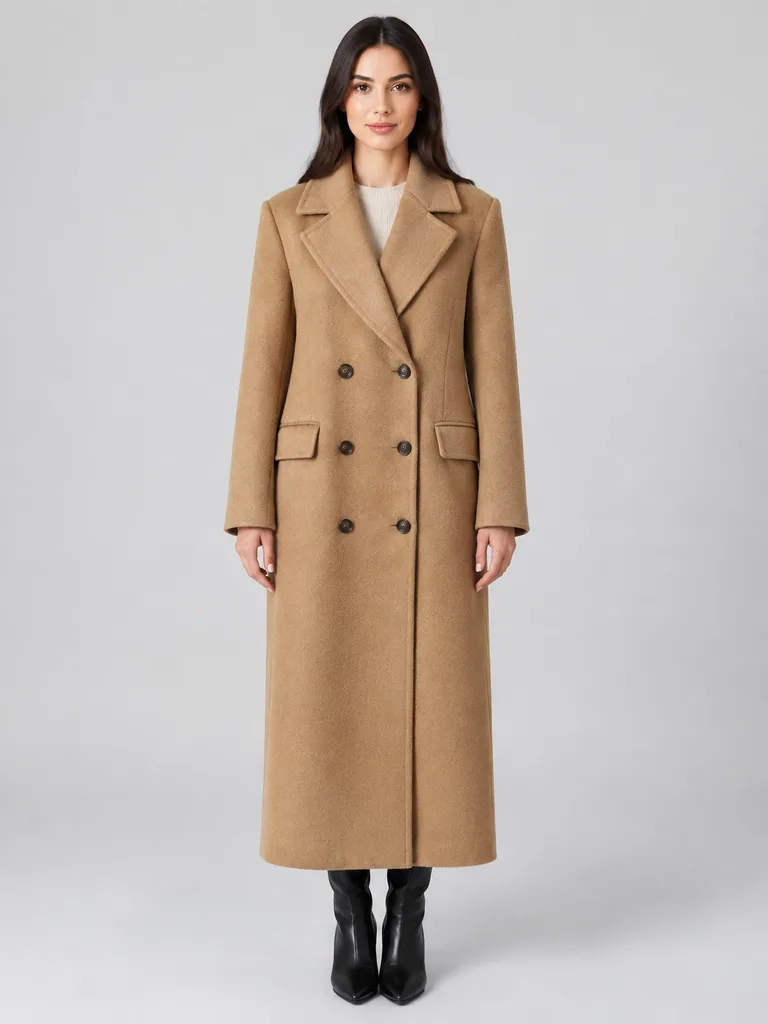
Front 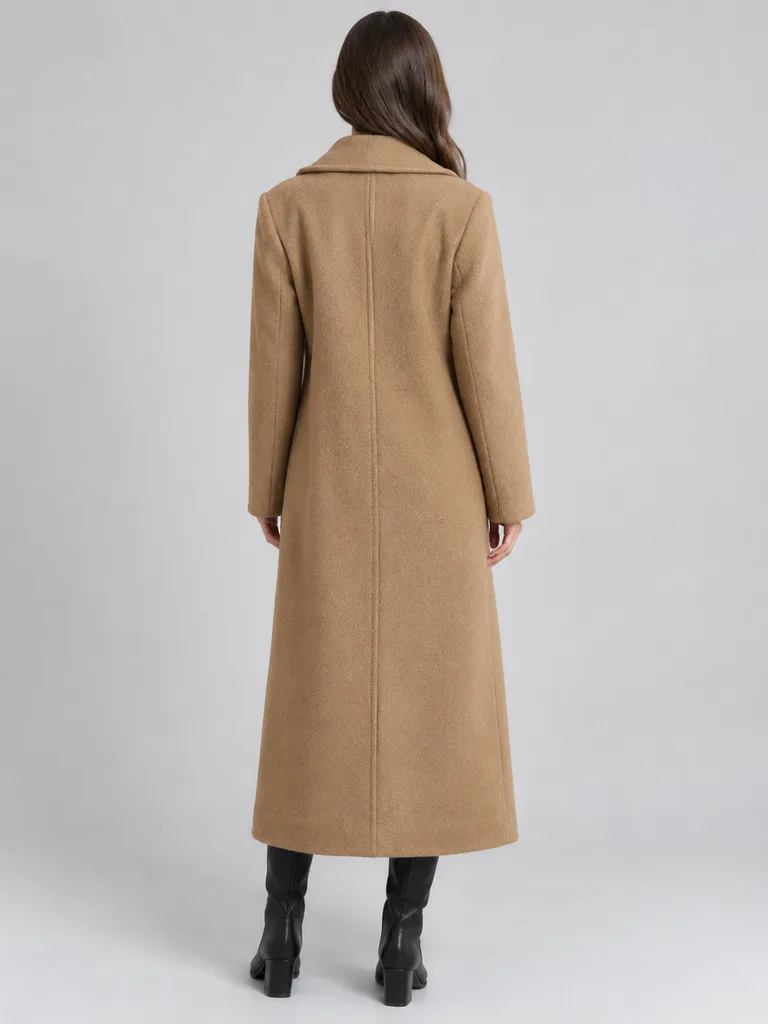
Back view 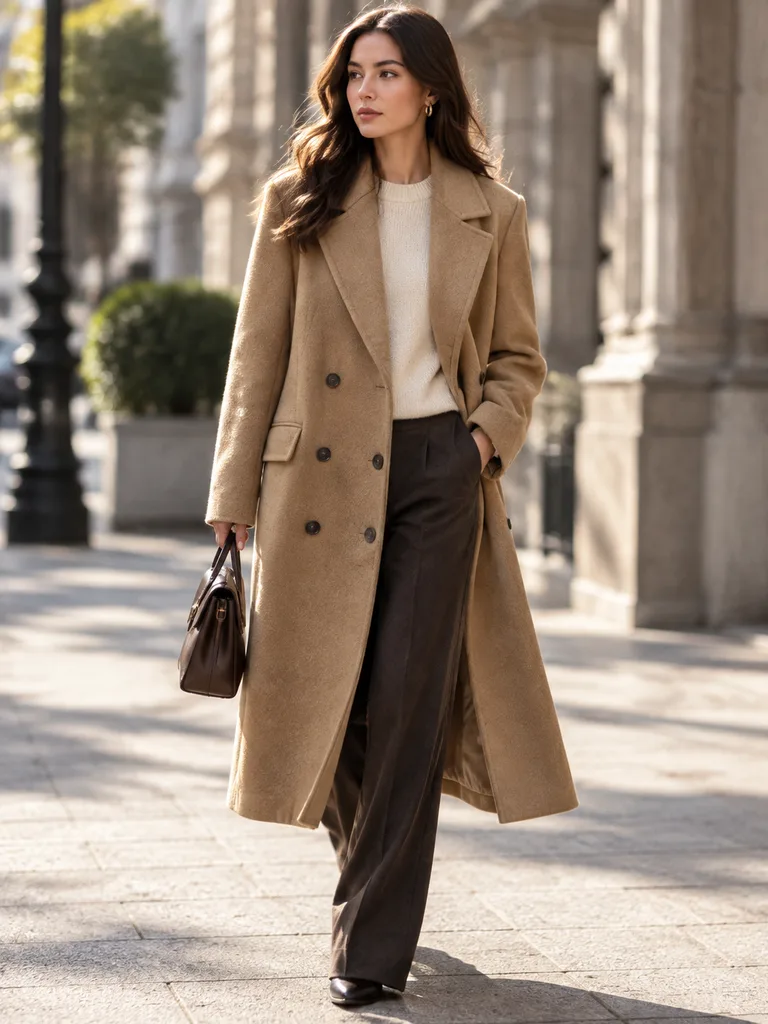
In motion 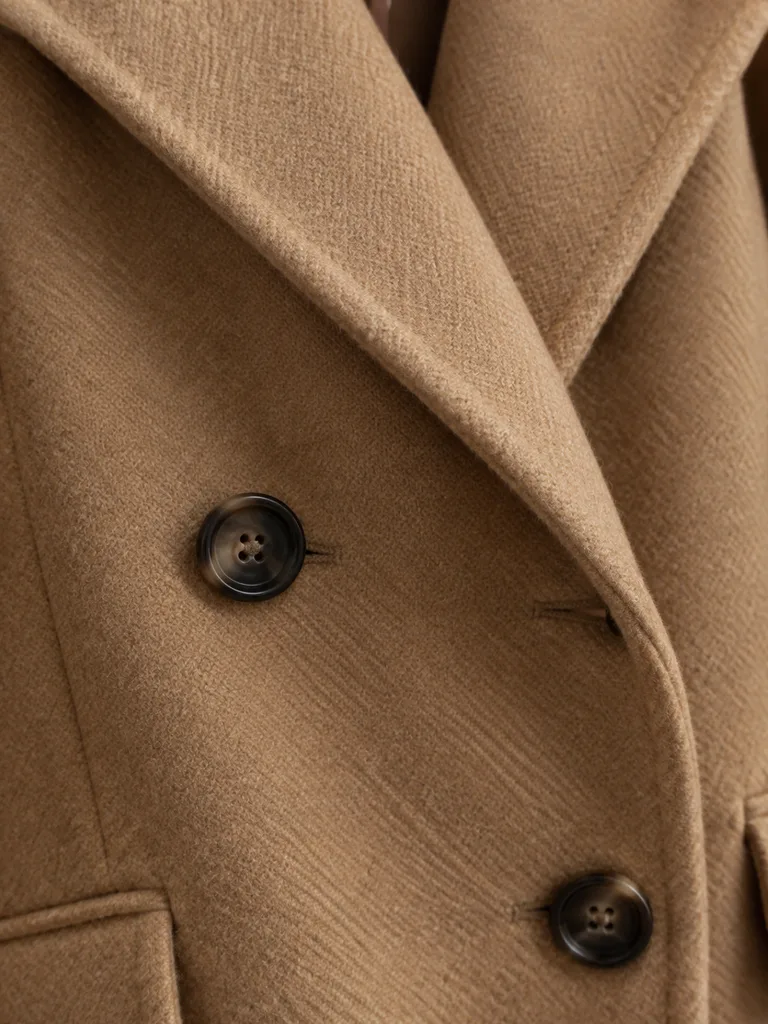
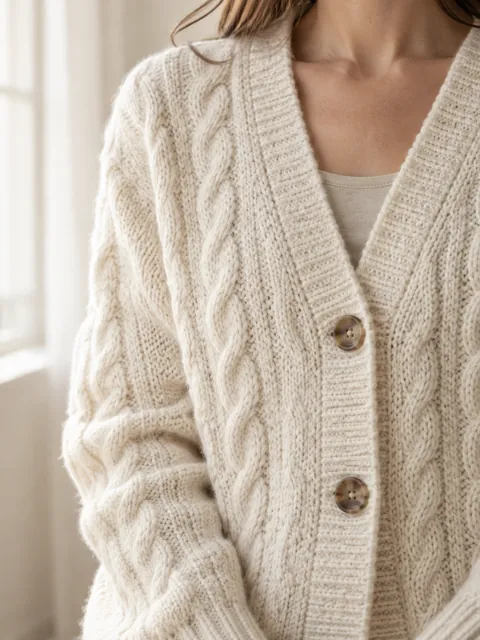
Texture close-up


About these shots
Front, back, in motion and the fabric up close, all from the hanger photo at the top of this page. Shoppers see the same coat in every shot.
- Front
- Model in studio
- Back view
- Back, shoulders, length
- In motion
- Mid-stride on the street
- Texture close-up
- Fabric, lapel, buttons
What stays exact
Details
What stays exact, and what to check.
The model, pose and setting are new. The garment should stay the one you sell: same cut, length, color and details.
AI can drift on small prints, logos and hardware, and buyers return what looks different from the photo. Check each shot against the item before you publish, and ask for a fix in words if something changed.
Cut and length
Hem, sleeve length, neckline and fit read the same as on the hanger.
Color
Shoot the item in daylight, then compare the color on a calibrated screen.
Print and pattern
Stripes, checks and prints sit where they sit on the real garment.
Logos and text
Brand marks and lettering are spelled right and in the right place.
Hardware
Buttons, zips and buckles: same number, same color, same place.
Size
A model shows the look, not the size. Put measurements and a size chart in the listing.
Marketplace rules for on-model photos
- AmazonTag AI people in the file
- EtsyKeep one unedited photo
- eBayNo text on photos
Rules and sourcesChecked 23 October 2026
What each marketplace asks when a photo shows a model or was edited with AI.
| Marketplace | What it asks |
|---|---|
| Amazon | Images and videos with photorealistic AI-generated people need the keyword contains-synthetic-performer in the file’s XMP dc:subject field.All Amazon stores, mandatory since 6 June 2026 according to Amazon staff. Sweepshot adds it to on-model downloads for you. |
| Etsy | At least one unedited photo of the actual item against a real background.Since 22 October 2026. AI edits to other photos are allowed if the item looks the same; say in the description that photos were edited with AI. |
| eBay | No text, artwork, borders or watermarks added to photos.Keep on-model shots clean and free of captions. |
Rules checked on 23 October 2026 against Amazon’s AI-generated people announcement, Amazon staff: tagging mandatory since 6 June 2026, Etsy’s AI update for sellers and eBay’s picture policy. Marketplaces change their rules; check your category before you publish.
Shoes, accessories and more scenes
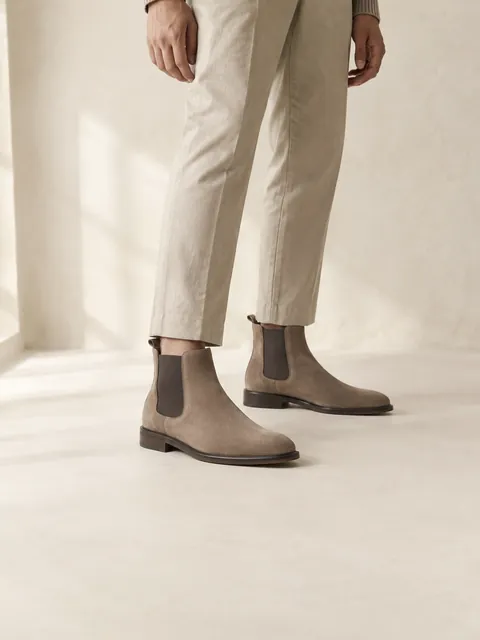 Shoes on a model
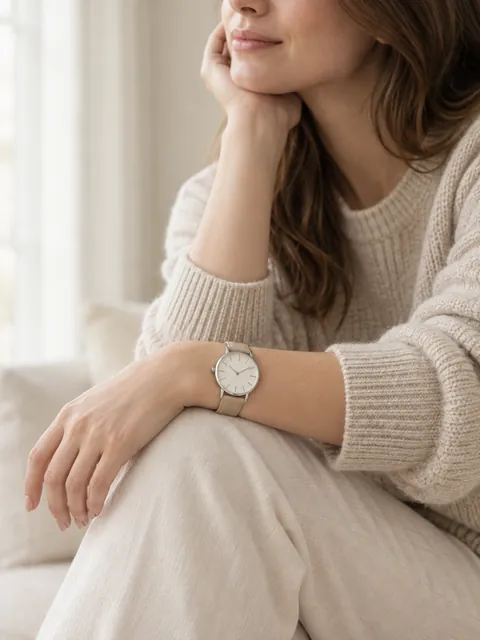 Accessory on a model
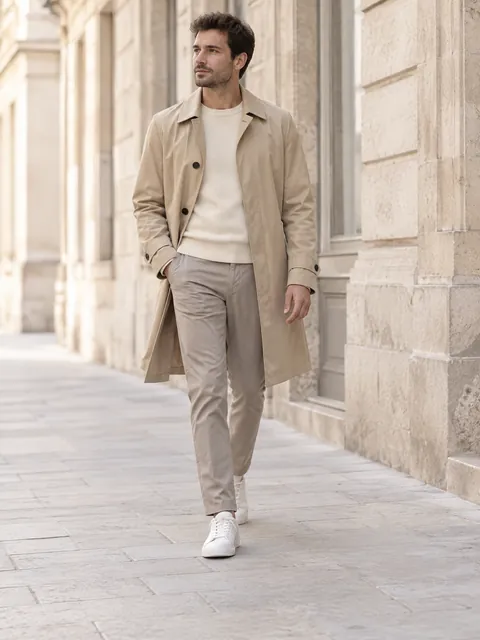 Model on the street
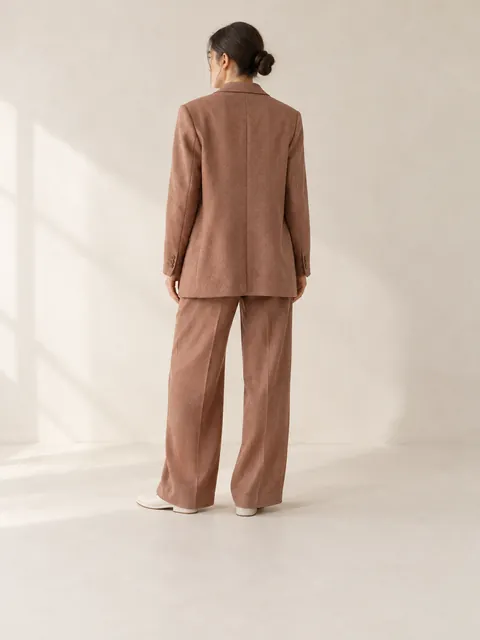 Back view
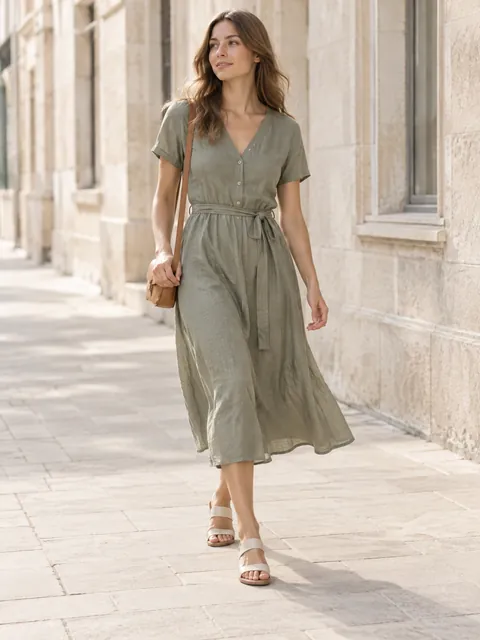 In motion
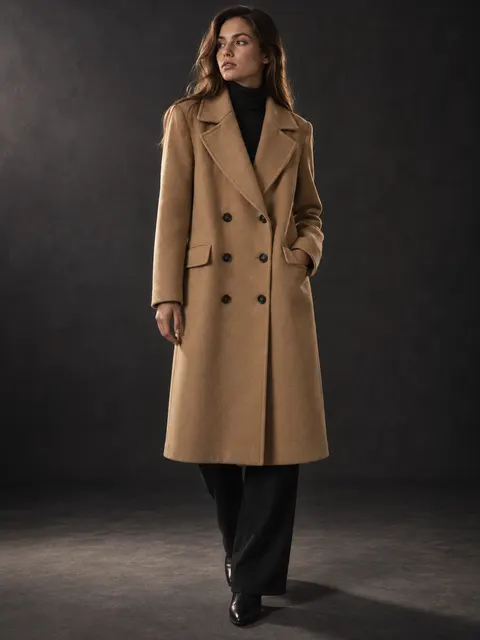 Dark studio
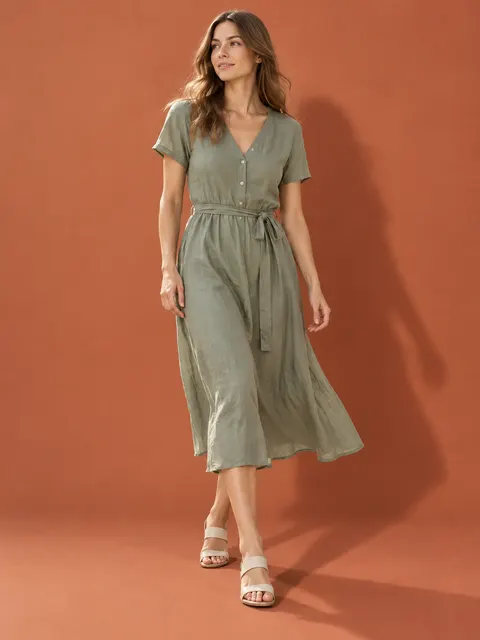 Color backdrop
 Texture close-up
About these scenes
Shoes are shot knee down. Watches, bags and jewelry go on the wrist, hand, neck, ears or shoulder. Each tile opens the studio with that scene.
From a hanger, bed or chair
Linen blouse Hoodie Wide-leg jeans Sports set
Pricing
- Start€29/month≈ 70 photos or ≈ 6 videos
- Creator€59/month≈ 170 photos or ≈ 18 videos
- Studio€129/month≈ 400 photos or ≈ 44 videos
Trial and billing
Start with 3 free photos, no card needed. Trial: 5 photos for 3 days with a card, then the plan shown at its start. Cancel in one click before you are charged.
Pay yearly and save 30%.
Questions
Can AI put my clothes on a model?
Yes. Upload one photo of the garment and pick a scene: model in a studio, on the street, from the back or in motion. The model and setting are generated; the garment comes from your photo.
Do I need a flat lay or ghost mannequin photo?
No. A photo of the item on a hanger, a bed or the floor works: the whole garment in frame, in daylight, in focus. For the invisible-mannequin look itself, pick the Ghost mannequin scene.
Can I choose body type and age?
Yes. Pick plus-size, Asian, 50+, man or woman, or describe the model in your own words: age, hair, pose.
Will the garment look exactly the same?
It should keep its cut, color, print and details, and usually does. Small prints, logos and hardware can drift, so compare each shot with the real item and ask for a fix in words if something changed.
Do I have to label AI models on Amazon?
Yes. Since 6 June 2026, Amazon staff say, Amazon requires the keyword contains-synthetic-performer in the XMP dc:subject field of any image or video with a photorealistic AI-generated person. Sweepshot adds it to every on-model download, so the files are ready to upload; for a photo of a real model, turn it off in the image’s “…” menu.
Can I show shoes and jewelry on a model?
Yes. Shoes are shot knee down, and accessories go on the wrist, hand, neck, ears or shoulder. Check stones, metal color and size on the body before you publish.
Can I use the photos in ads?
Our Terms of Service say how you can use the images you make; section 11 covers listings, online stores, ads and social media.
How does the free start work?
After you sign up you can make 3 photos for free, no card needed. The trial gives you 5 photos for 3 days and usually needs a card; video is not included. Free and trial photos carry a small badge; paid plans download without it. When the trial ends, the plan shown at its start begins unless you cancel. You can cancel in one click before you are charged.
