
Amazon image requirements
Main image, sizes, files and slots, checked 27 October 2026.
Main image and file rules
- RGB 255Pure white main image
- 85%Product fills the frame
- 500 to 10,000 pxLongest side
- 1,000+ pxFor zoom
The full tableChecked 27 October 2026
| Rule | What it means |
|---|---|
| Main image background | Pure white, RGB 255, 255, 255. |
| Main image fill | The product fills at least 85% of the image. |
| Main image content | No text, logos, borders, color blocks, watermarks or other graphics. No props or accessories that are not included; no packaging unless it is a product feature. |
| Every image | Must accurately represent the product for sale. No seller contact details and no Amazon logos or badges. |
| Size | 500 to 10,000 px on the longest side; over 1,000 px so shoppers can zoom. |
| File types | JPEG (preferred), TIFF, PNG or non-animated GIF. |
| Color mode | RGB or CMYK. Amazon’s fashion guide prefers RGB. |
| How many | At least one; Amazon recommends six or more and lets you upload up to nine. |
| File names | Product identifier, variant code and extension, for example B00SAMPLE.PT02.jpg: MAIN for the main image, PT01, PT02 and so on for the others.From Amazon’s fashion image style guide. |
| Clothing | Adult clothing: main image on a standing model. Children’s clothing: flat lay, no model. |
| 360 spin | Discontinued on 20 January 2025; 3D models replace it. |
| AI-generated people | Tag the file with contains-synthetic-performer in XMP dc:subject; mandatory since 6 June 2026, according to Amazon staff.Details and dates in AI images on Amazon. |
Rules checked on 27 October 2026 against Amazon: product photo guide (sell.amazon.com), Amazon: product listings guide (sell.amazon.com), Amazon staff on main image rules (Seller Forums), Amazon staff on image specs (Seller Forums), Amazon staff on props and clothing (Seller Forums), Amazon Fashion clothing image style guide (PDF), Amazon news: 360-degree images discontinued, Amazon news: tagging AI-generated people and Amazon staff: tagging mandatory since 6 June 2026. Marketplaces change their rules; check your category before you publish.
A photo-box shot, fixed
Main image 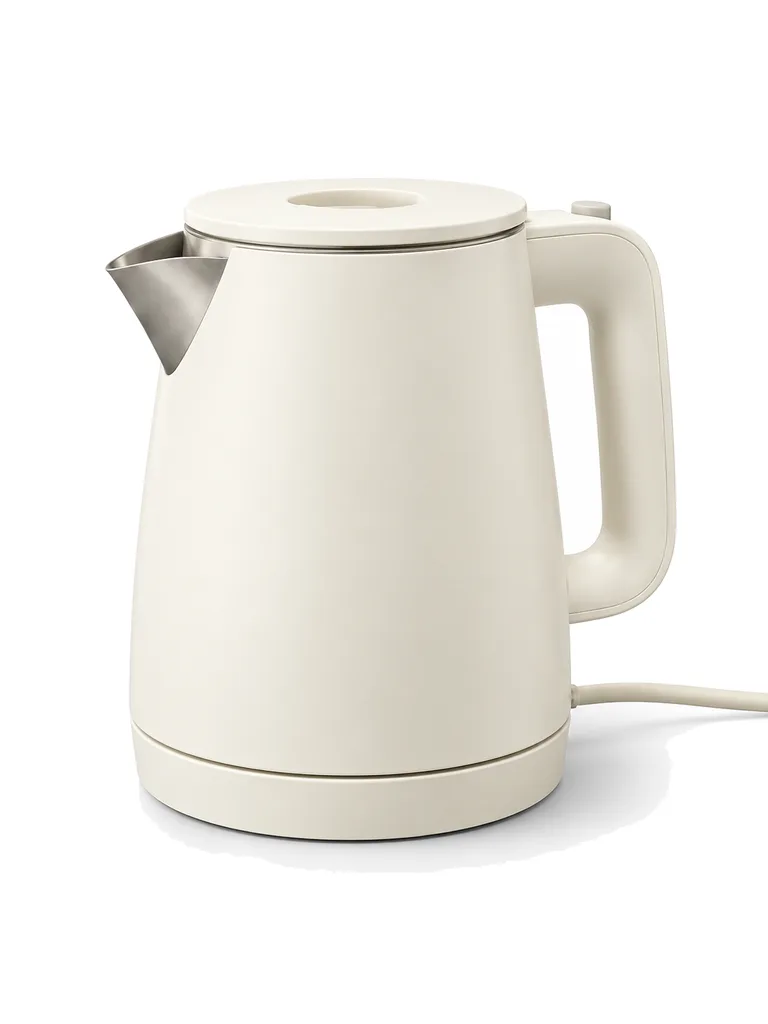
Image 2: angle 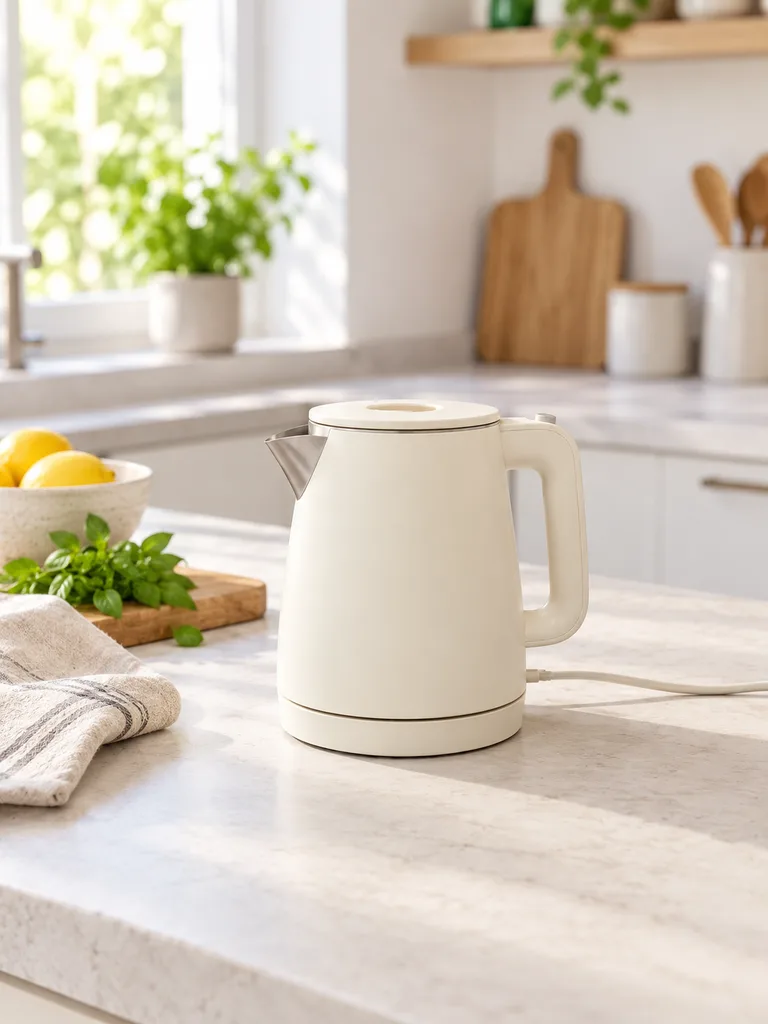
Image 3: in use Desk lamp


About these shots
- Main image
- Gray backdrop and empty space gone; the kettle fills the frame.
- Image 2: angle
- Spout, handle and base in one view.
- Image 3: in use
- Props are fine on secondary images.
- Desk lamp
- Yellow room light gone, white stays white.
White background scenes finish with the studio’s pure-white pass: background pixels touching the edge of the frame are set to exactly RGB 255. A white product that blends into the background, like this lamp, is left as rendered, so check it with the white background checker. The before photos on this page are generated stand-ins for a seller’s phone snapshot. Each result is the named Sweepshot scene applied to that snapshot, with no retouching afterwards.
Why main images get rejected
- GrayBackground not 255
- SmallUnder 85% fill
- TextBadges, logos, borders
- PropsItems not included
Problems and fixes
| Problem | Fix |
|---|---|
| Light gray or cream background | Check Run the file through the white background checker; whiten or re-shoot on white |
| Product too small | Crop or re-shoot so it fills 85% or more |
| Text, badges, borders, inset images | Move them to secondary images or leave them out |
| Props or extra items | Show only what ships |
| Several views in one image | One view per image; use slots for the rest |
| Under 1,000 px | Export larger so zoom works |
Amazon staff say images that miss the standards may be rejected, removed or altered, and can lead to listing suppression in search.
Image by image
| Image | Shot |
|---|---|
| Main | The product alone on pure white |
| 2 and 3 | Angles: three-quarter, back, side |
| 4 | In use, with props |
| 5 | Scale: in a hand or next to a known object |
| 6 to 9 | Details, dimensions, what is in the box, benefits |
Before you upload
01
Corners read 255
The white background checker shows any off-white pixels and the fill.
02
Same product
Shape, color, logo and parts match the item you ship.
03
Over 1,000 px
Sweepshot photos are 1152 × 1536 px or 1024 × 1024 px, without upscaling.
04
Named for the slot
MAIN for the main image, PT01 onward for the rest, if you upload in bulk.
05
People tagged
Shots with AI-generated people carry the keyword; Sweepshot adds it to on-model and in-hand downloads.

Questions
What are Amazon’s main image requirements?
A pure white background (RGB 255, 255, 255), the product filling at least 85% of the frame, and nothing else: no text, logos, borders, color blocks, watermarks, props or accessories that are not included.
What size should Amazon product images be?
Between 500 and 10,000 px on the longest side, and over 1,000 px so zoom works. A square 2,000 × 2,000 px image is a common choice; the resizer’s Amazon preset makes one.
What file types does Amazon accept for images?
JPEG, which Amazon prefers, plus TIFF, PNG and non-animated GIF, in RGB or CMYK color.
How many images can an Amazon listing have?
You can upload up to nine. Amazon asks for at least one and recommends six or more.
Can secondary images have text and props?
Yes. The no-text and no-props rules are for the main image. Secondary images can show the product in use, with props, and as infographics, as long as they represent the product accurately.
Why was my Amazon image rejected?
Usually a background that is not pure white, a product that fills too little of the frame, added text or badges, or props that do not ship. Amazon staff say images that miss the standards can be rejected, removed or altered.
Is there a maximum file size?
Amazon’s public pages we could check do not state one, so we do not quote a number. Large JPEGs around 2,000 px upload without trouble.
