
Amazon product photos from one phone snapshot
Main image on pure white, in-use shots and infographic slides.


Amazon image rules in 2026
- RGB 255Pure white main image
- 85%Product fills the frame
- 1,000 pxOr more per side, for zoom
- 75Characters in a title
Rules and sourcesChecked 23 October 2026
What Amazon asks of listing images and titles, in plain words.
| Rule | What it means |
|---|---|
| Main image | A photo of the actual product you sell.No text, graphics, watermarks or illustrations, and no props that are not part of the purchase. |
| Background | Pure white, RGB 255, 255, 255. |
| Fill | The product fills 85% or more of the frame. |
| Size | 500 to 10,000 pixels on the longest side.Amazon prefers more than 1,000 pixels on each side so shoppers can zoom. Sweepshot photos are 1152 × 1536 pixels (3:4) or 1024 × 1024 (square), without upscaling. |
| File type | JPEG (preferred), TIFF, PNG or non-animated GIF. |
| How many | At least one image. Amazon recommends six or more. |
| AI-generated people | Add the keyword contains-synthetic-performer to the file’s XMP dc:subject field before you upload.For images and videos with photorealistic AI-generated people, in all Amazon stores, mandatory since 6 June 2026 according to Amazon staff. Not needed for real people or for shots with no people. Sweepshot adds it for you, see below. |
| Titles | 75 characters or less, spaces included, from 27 July 2026.All categories except media. A new Item Highlights field adds 125 characters. |
Rules checked on 23 October 2026 against Amazon’s product photo guide, Amazon’s image requirements post in Seller Forums, Amazon’s AI-generated people announcement, Amazon staff: tagging mandatory since 6 June 2026 and Amazon’s title update announcement. Marketplaces change their rules; check your category before you publish.
Every image slot, from one photo
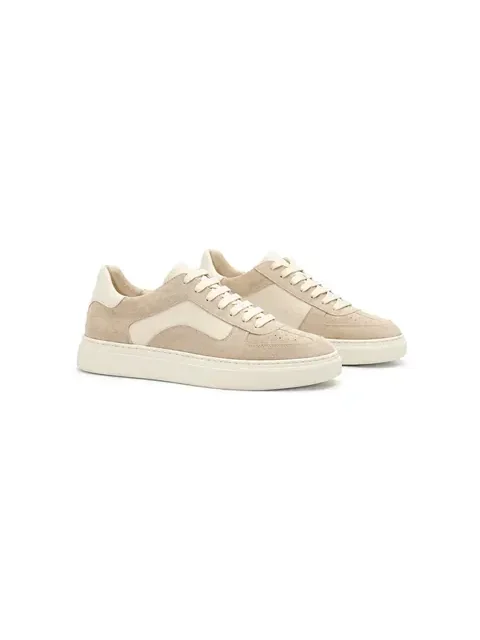 1. Main image
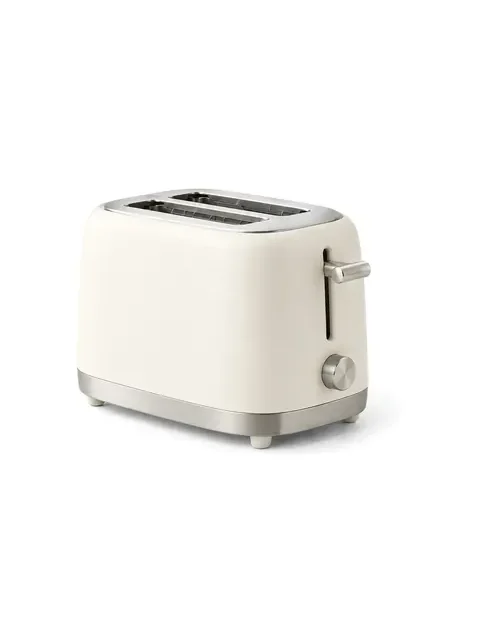 2. Second angle
 3. In use
 4. Scale
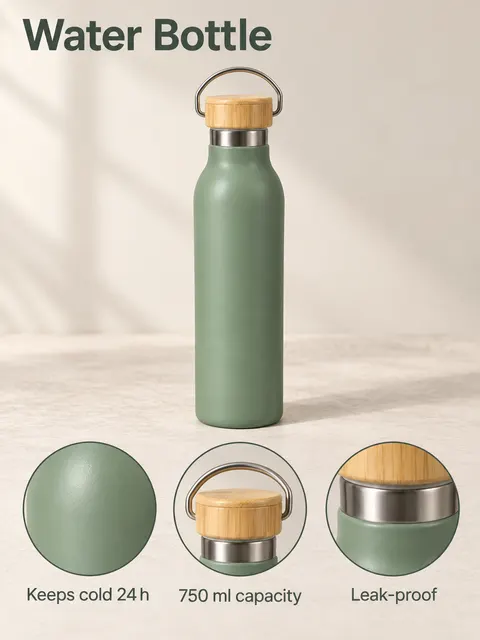 5. Benefits
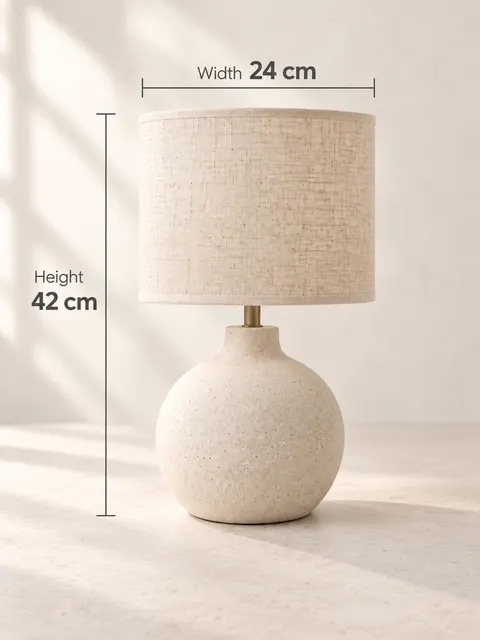 6. Dimensions
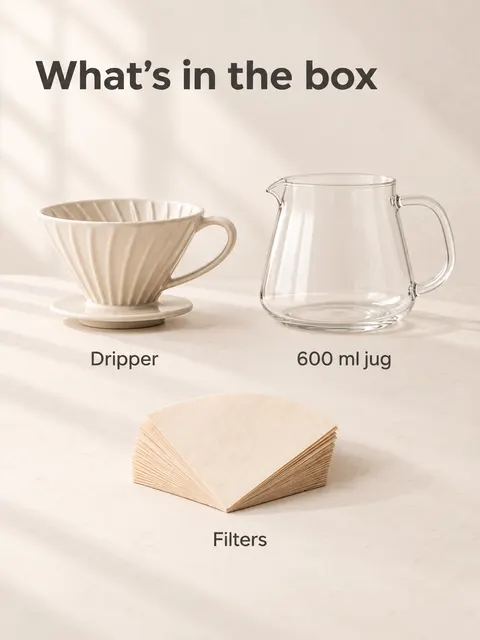 7. What’s in the box
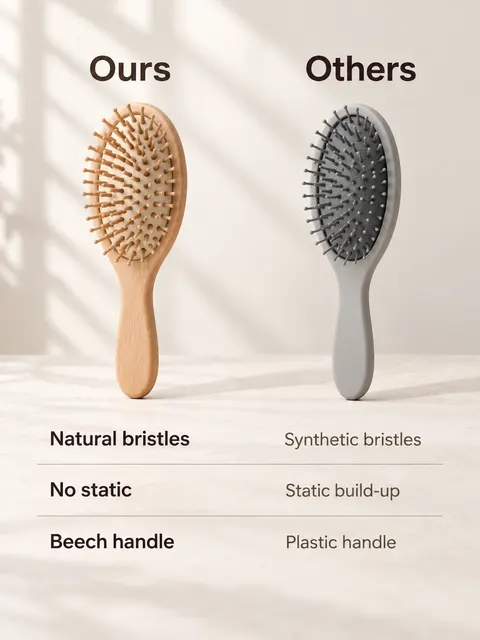 Extra: comparison
What each scene is for
Upload one snapshot and fill the listing slot by slot. Each tile opens the studio with that scene.
- 1. Main image
- The whole product on pure white, nothing else in the frame. Scene: White background main image.
- 2. Second angle
- Depth and the side view shoppers ask about. Scene: Three-quarter angle.
- 3. In use
- Who it is for and where it lives. Scene: In use.
- 4. Scale
- How big it is next to a hand. Scene: In hand.
- 5. Benefits
- Three facts in short English captions, readable on a phone. Scene: Key benefits.
- 6. Dimensions
- Arrows with the measurements you type in. Scene: Dimensions.
- 7. What’s in the box
- Every part that ships, labeled. Scene: What's in the box.
- Extra: comparison
- Your product next to a generic one. Scene: Comparison.
Text goes on secondary images only, and captions use the words you give us. A listing kit makes a set in one go, with listing text and an optional short clip; its first shot is on a clean neutral background, so use the White background scene for a pure-white main image.
The main image, checked by you
Details
The White background main image scene redraws your product from your photo alone on pure white: no props, no text, the product large in the frame.
Amazon wants the main image to show the actual product. AI can soften a label or move a small part, so compare the result with the item in your hands before you upload. If something changed, describe the fix in words and get a new version.
Before you upload any main image, made by us or anyone else.
Same product
Shape, color, logo and every part match the item you ship.
Pure white
The background is white all the way to the edges, with no gray corners.
Fills the frame
About 85% of the frame, nothing cropped off.
Nothing extra
No text, badges, props or packaging unless they ship with it.
Small details
Labels, buttons, stitching and small parts are still there and still right.
Big enough to zoom
Over 1,000 pixels on each side. Our 1152 × 1536 and 1024 × 1024 files are.
Main images from home snapshots
Bike helmet Olive oil bottle Glass carafe Perfume bottle
AI people: the new Amazon tag
Details
Since 6 June 2026, Amazon staff say, sellers must tag images and videos that show photorealistic AI-generated people. The tag is one keyword, contains-synthetic-performer, in the file’s XMP dc:subject field (the “Keywords” field in most photo apps).
Sweepshot adds the keyword for you. Shots from scenes with a model or a hand, such as clothes on a model or In hand, carry it when you download them, and so do clips made from them. Shots without people, such as the main image on white, do not get it.
Every file you download from Sweepshot also carries a machine-readable “made with AI” label (IPTC digital source type), as the EU AI Act asks. That is a different field from Amazon’s keyword. Rules checked on 23 October 2026 against Amazon’s AI-generated people announcement; the date is from an Amazon staff reply, checked 27 October 2026.
On by default
Download as usual: the keyword is already in the file.
Real person in the shot?
Turn it off in the image’s “…” menu (Amazon AI tag). No new generation needed.
Upload the file as it is
Resizing or converting it in another app can strip the keyword.
Check other shots with people
A person in a scene not made for people, such as In use, gets no keyword. Add it yourself in a metadata editor if needed.
Titles that fit 75 characters
Details
From 27 July 2026 Amazon titles in every category except media are 75 characters or less. Over-length titles are rewritten over time to Amazon’s own AI suggestion.
Every listing kit includes an Amazon title written to that limit, Item Highlights, five bullet points, a description and search terms, from your photo and the facts you give us.
See a full example with character counts on the Amazon listing generator page.
Title
Up to 75 characters, brand first when you give one.
Item Highlights
Up to 125 characters for what did not fit in the title.
Bullets, description, search terms
Five bullets, plain-text description, search terms under 250 bytes.
Pricing
- Start€29/month≈ 70 photos or ≈ 6 videos
- Creator€59/month≈ 170 photos or ≈ 18 videos
- Studio€129/month≈ 400 photos or ≈ 44 videos
Trial and billing
Start with 3 free photos, no card needed. Trial: 5 photos for 3 days with a card, then the plan shown at its start. Cancel in one click before you are charged.
Pay yearly and save 30%.
No subscription? A listing kit for one product costs €12.
Questions
Does Amazon allow AI-generated product images?
Amazon’s published rules are about accuracy: the main image must show the actual product, and since 6 June 2026 images with photorealistic AI-generated people need the contains-synthetic-performer keyword. Use AI scenes for secondary images and check every image against the real item before you upload.
Can the main image be AI-generated?
Amazon wants the main image to be a photo of the actual product. Our main-image scene keeps your product from your own photo and replaces the background with pure white. Compare it with the item: if any detail changed, ask for a fix in words or retouch your original instead.
What size should Amazon product photos be?
Amazon accepts 500 to 10,000 pixels on the longest side and prefers more than 1,000 on each side so zoom works. Sweepshot photos are 1152 × 1536 pixels (3:4) or 1024 × 1024 (square), without upscaling.
How many images can an Amazon listing have?
Every listing needs at least one image, and Amazon recommends six or more: the main image plus angles, use, scale and detail shots.
Why was my main image suppressed?
Check it against the rules on this page. A background that is not pure white, added text or graphics, props that do not ship and a product that fills too little of the frame are the usual reasons.
Do I need to tag AI models in Amazon images?
Yes, if the image or video shows a photorealistic AI-generated person: Amazon asks for the keyword contains-synthetic-performer in the file’s XMP dc:subject field. Sweepshot adds it to downloads from on-model and in-hand scenes; you can turn it off in the image’s “…” menu if the person is real.
Can I use the same photos on Etsy and eBay?
Mostly. eBay does not allow text, artwork or watermarks added to photos, so leave infographic slides out there. Etsy asks for at least one unedited photo of the actual item, so keep your original snapshot in the listing too.
How does the free start work?
After you sign up you can make 3 photos for free, no card needed. The trial gives you 5 photos for 3 days and usually needs a card; video is not included. Free and trial photos carry a small badge; paid plans download without it. When the trial ends, the plan shown at its start begins unless you cancel. You can cancel in one click before you are charged.