
AI product backgrounds that look like a real shoot
Marble, sunlight, a hand or a bright room. Same product.


One bottle, seven scenes
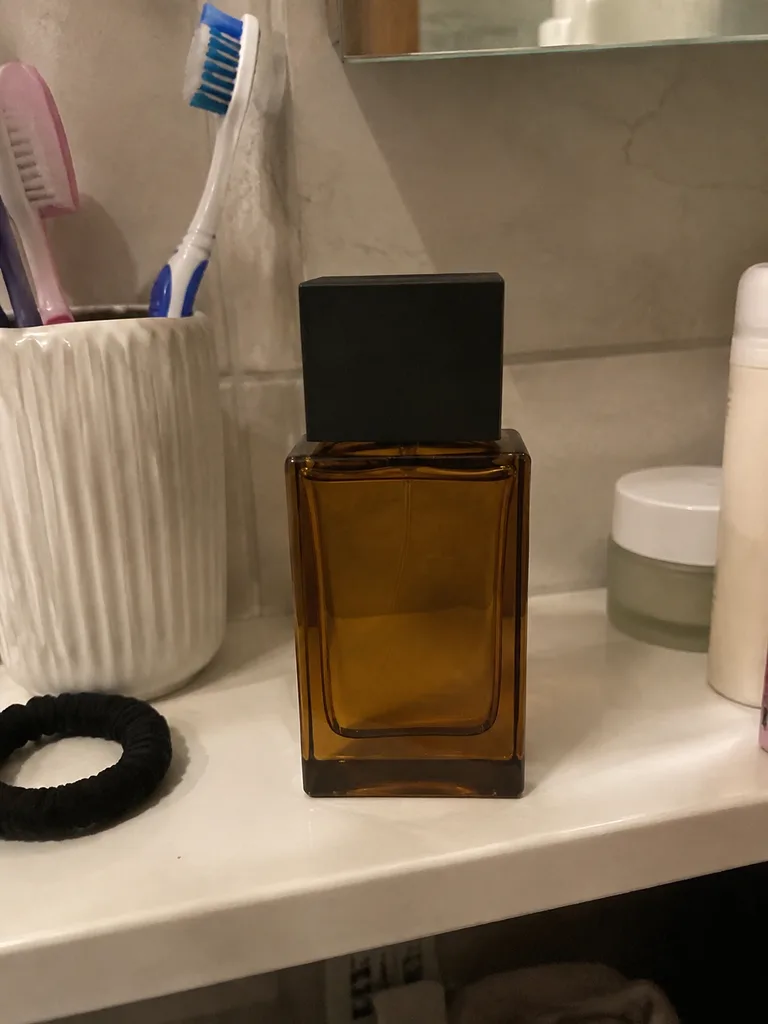
The only input 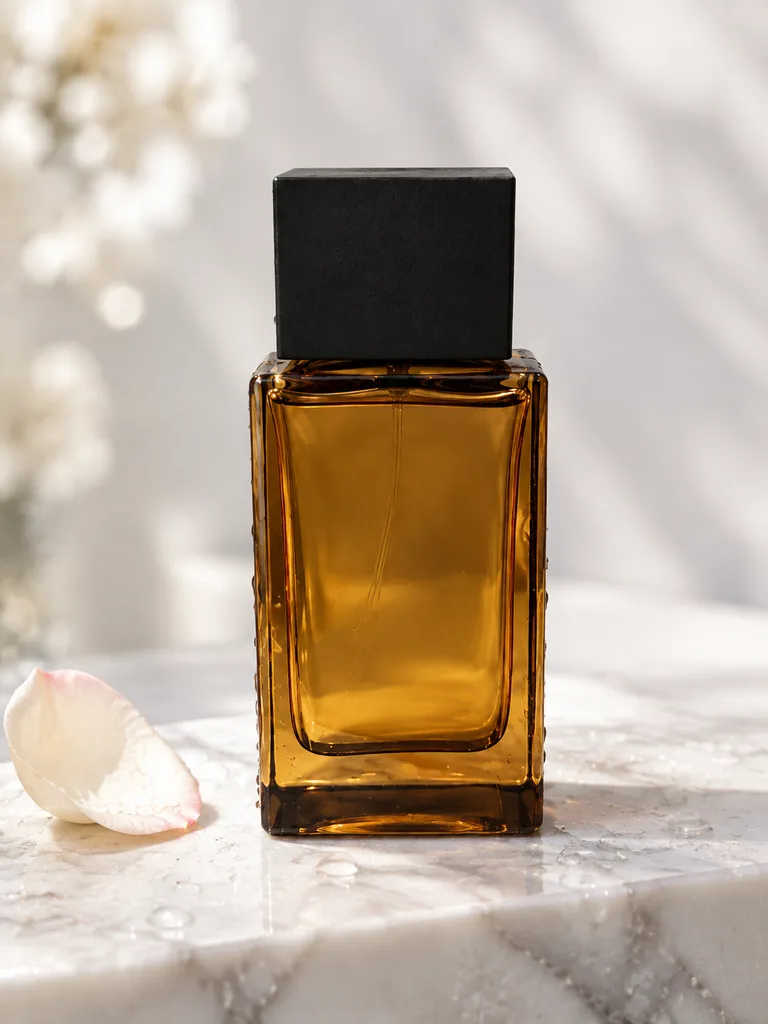
Marble 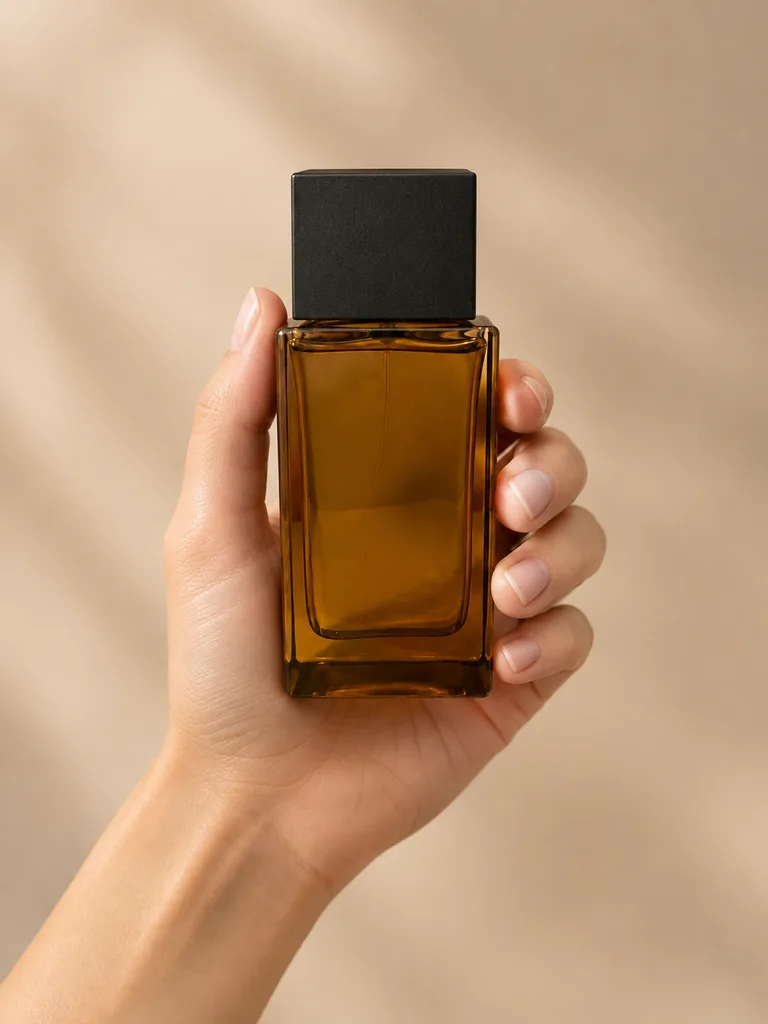
In hand 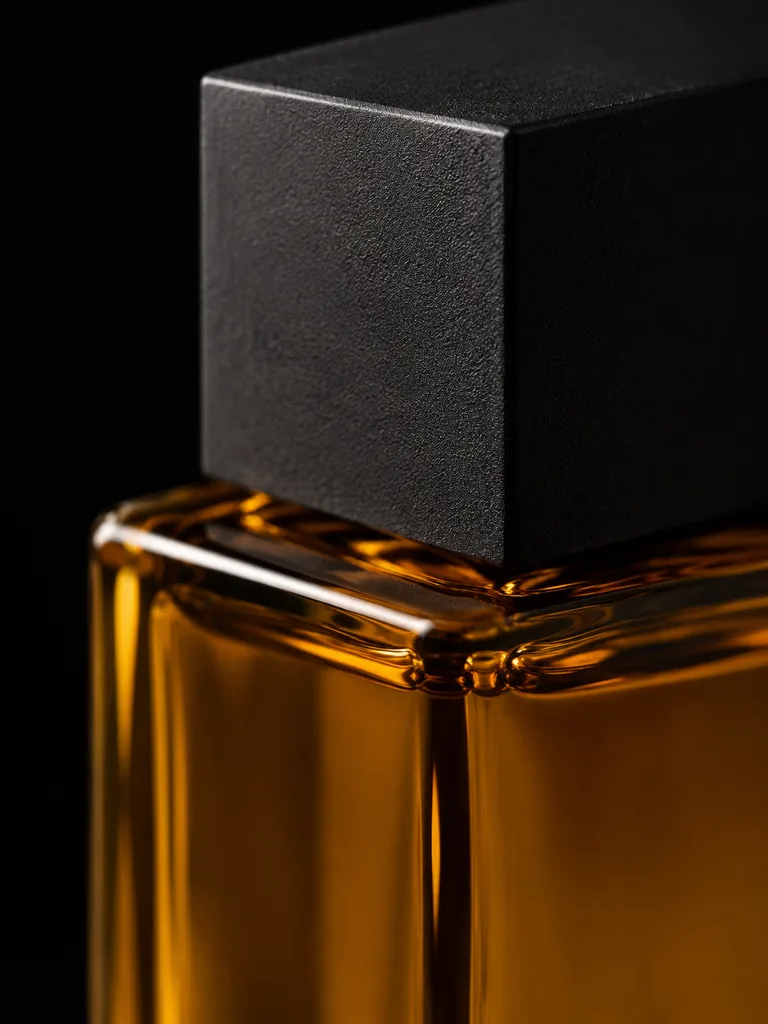
Macro 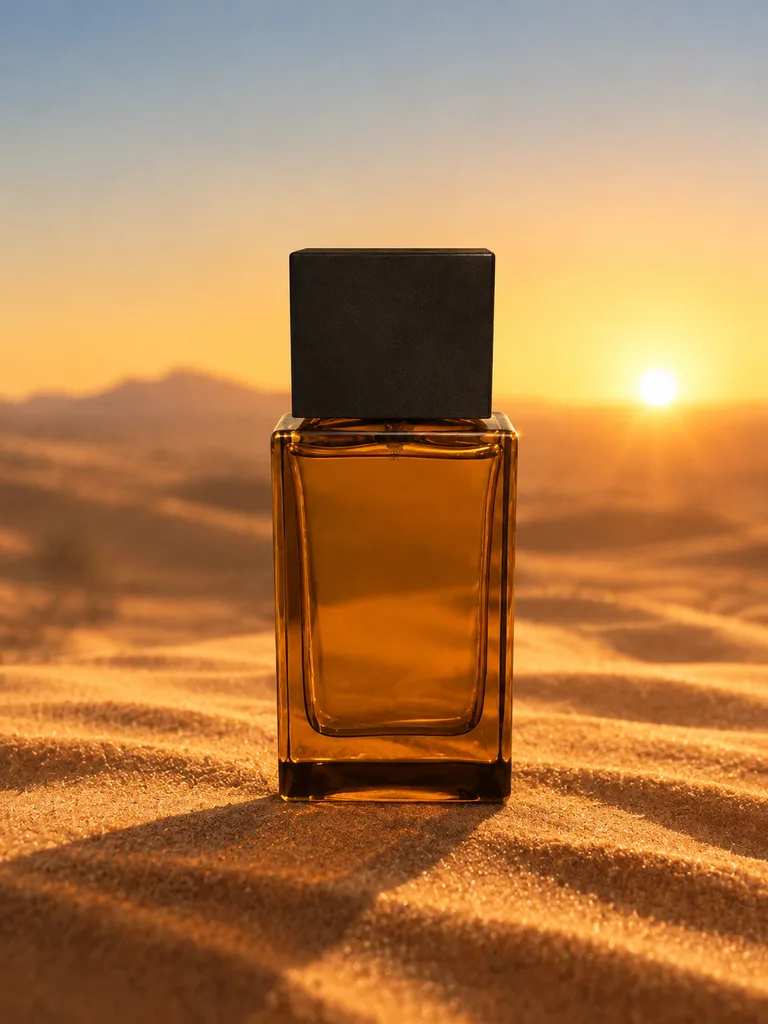
Sand 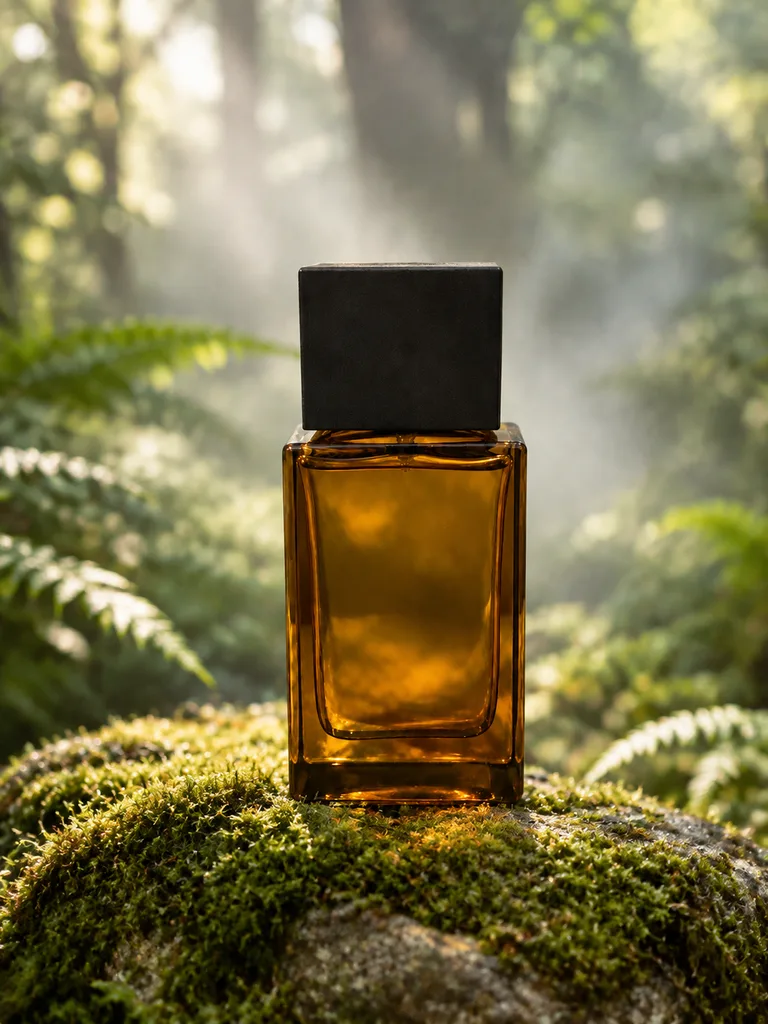
Forest 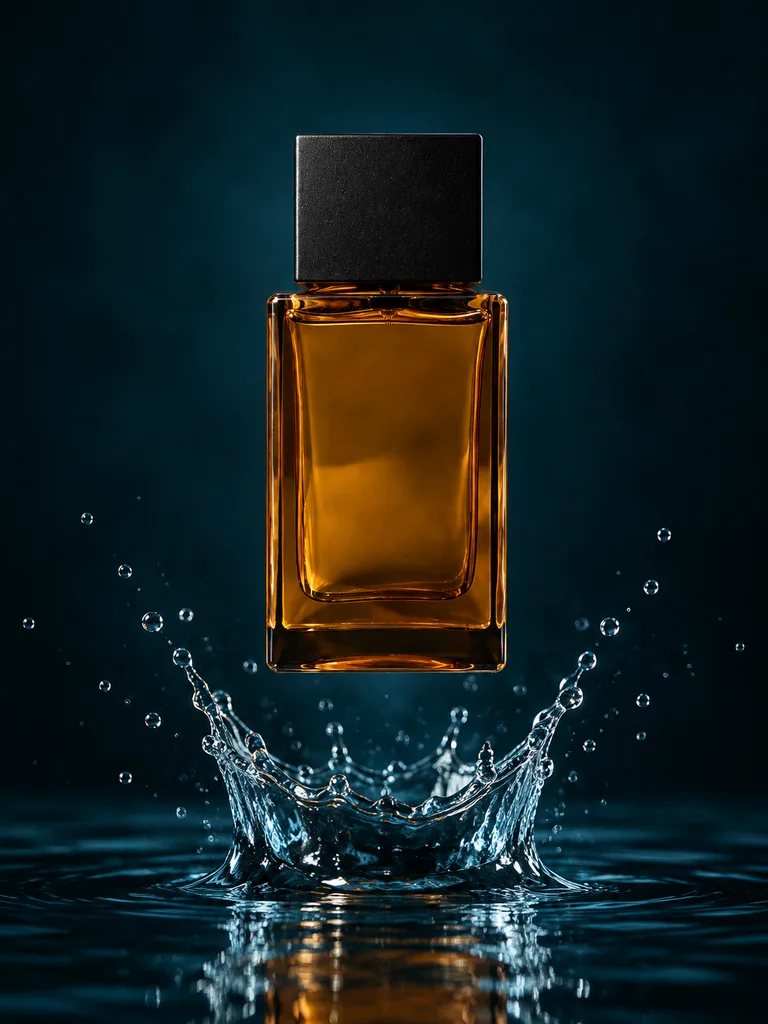
Splash 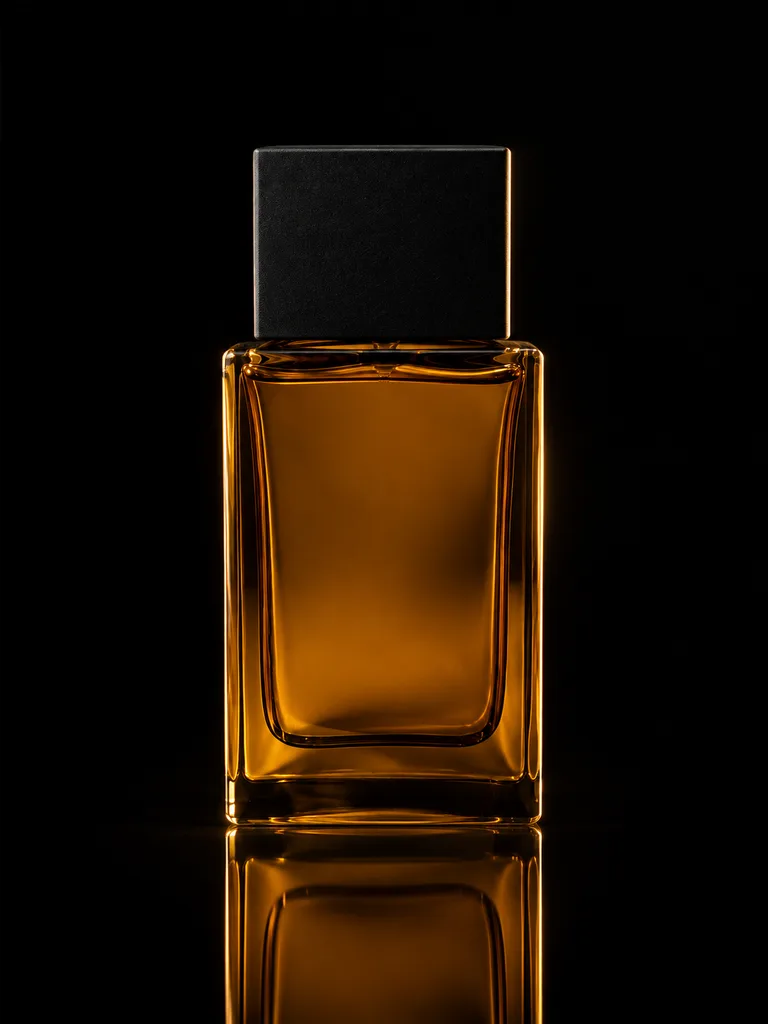
Black studio


About these shots
All from the bathroom snapshot on the left. The bottle, cap and liquid stay the same; light and setting change.
- Marble
- Water drops, cool light
- In hand
- Scale and real life
- Macro
- Glass and cap up close
- Sand
- Sunset, long shadow
- Forest
- Mist, soft light
- Splash
- Water frozen mid-motion
- Black studio
- Rim light, reflection
Keep the product exact
Details
A background change works when shoppers get the item they saw. The studio keeps the product from your photo and builds the scene around it: setting, light, shadows and reflections.
Check each shot against the real item before you publish. If a label, a color or a small part drifted, describe the fix in words and get a new version.
Label and print
Brand name, small print and logos are readable and spelled right.
Color
Liquid, glass, fabric and finish match the item in daylight.
Shape and parts
Cap, pump, legs, handles: same shape, same number, same place.
Scale
Props and hands make the product look its real size.
Beauty and skincare scenes
What each scene is for
Light, clean scenes for jars, bottles and tubes. Each tile opens the studio with that scene.
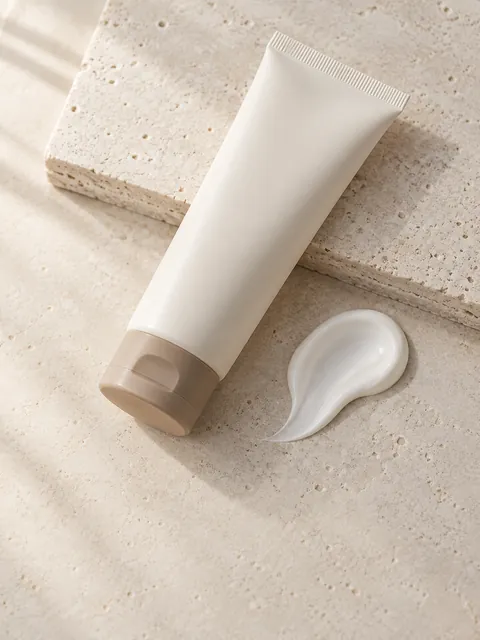
- Texture swatch
- A swatch of the cream next to the jar: shows the texture. Scene: Texture swatch.
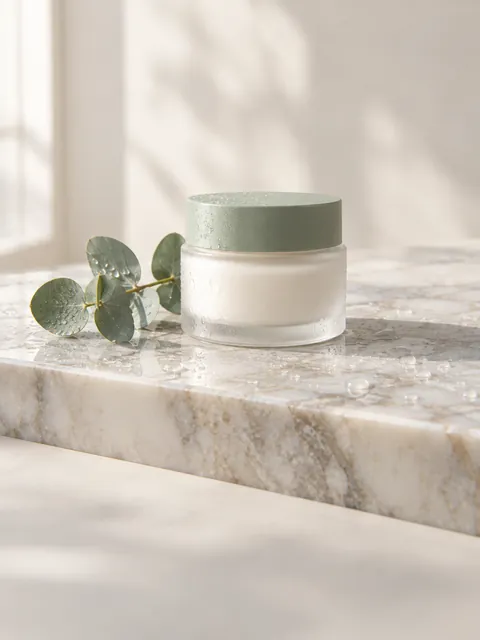
- Marble
- Bathroom-shelf calm for serums and cleansers. Scene: Marble.
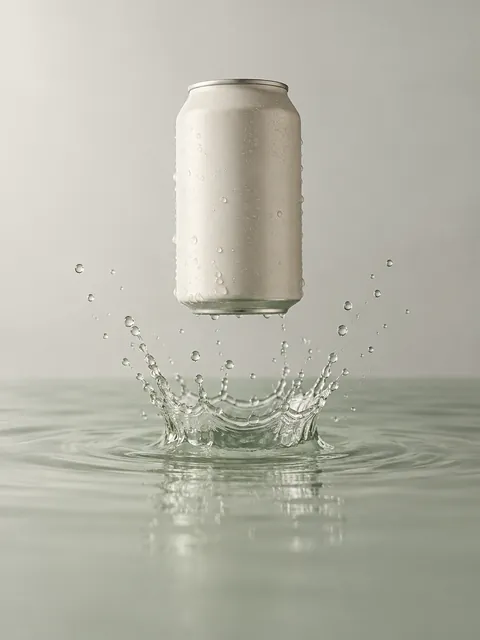
- Splash
- Freshness for mists, toners and gels. Scene: Splash.
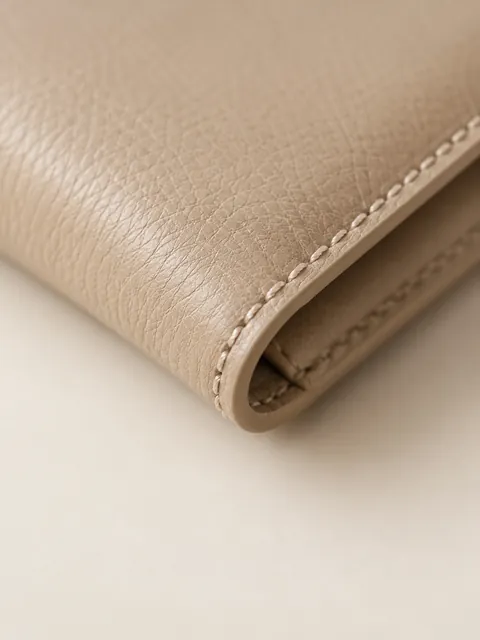
- Macro
- Texture and material up close. Scene: Macro.
Home and furniture scenes
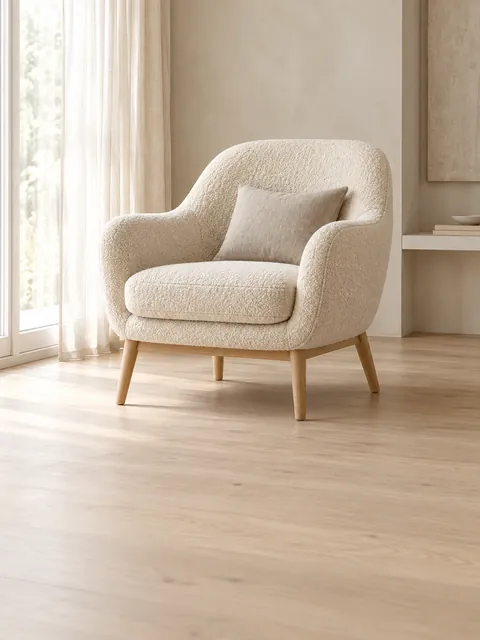
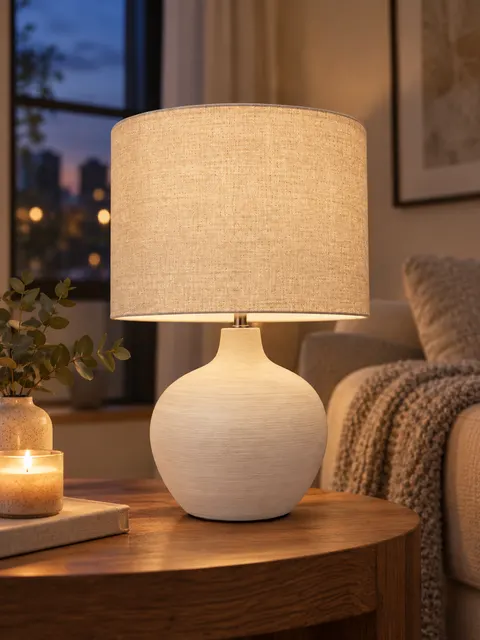
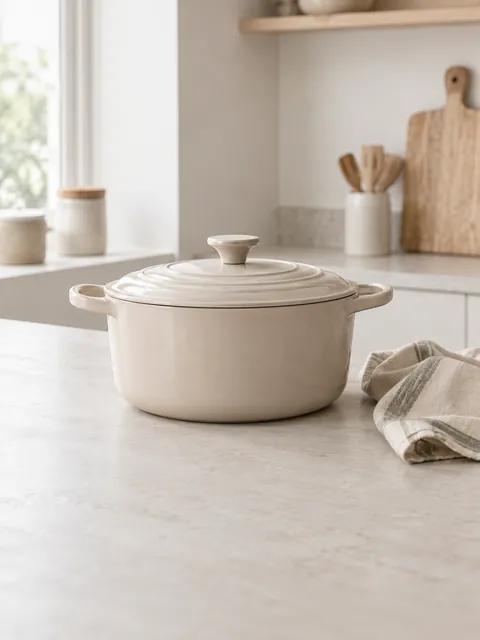
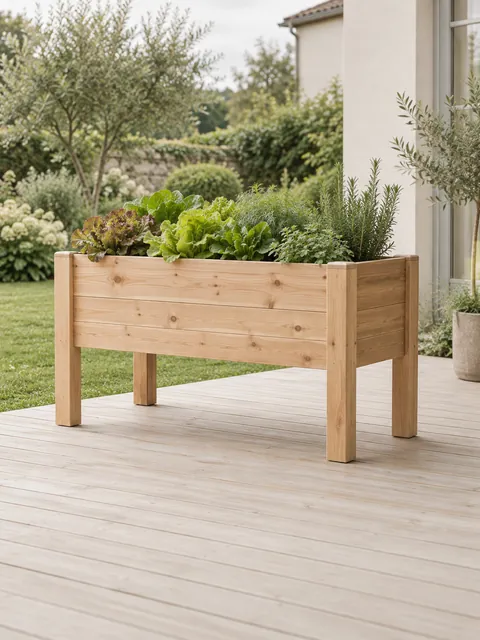
What each scene is for
The product where it lives: a bright room, the kitchen, the garden. Each tile opens the studio with that scene.
- Room setting
- Chairs, lamps and decor in a bright room. Scene: Room setting.
- Evening at home
- Warm lamplight for candles, textiles and lights. Scene: Evening at home.
- In the kitchen
- Cookware and tableware on a light countertop. Scene: In the kitchen.
- In the garden
- Planters, outdoor furniture and tools. Scene: In the garden.
Selling a set? The Full set scene puts every piece in one shot.
From home snapshots to finished scenes
Lipstick Skincare gift set Armchair Headphones
Where each scene works
- Amazon mainPure white, no scene
- Other slotsIn use, in hand, rooms
- EtsyPlus one unedited photo
- eBayNo captions or text
Rules and sourcesChecked 23 October 2026
Scenes suit secondary images, shops and ads. The first image on some marketplaces has its own rules.
| Where | What to use |
|---|---|
| Amazon main image | Not a scene: the product alone on pure white.Scenes go in the other image slots. |
| Amazon other images | In use, in hand for scale, room settings, close-ups. |
| Etsy | Light, natural scenes, plus one unedited photo of the actual item.Since 22 October 2026. Say in the description which photos were edited with AI. |
| eBay | Clean scenes without captions or added text. |
| Your shop and social media | Any scene, in one style across the catalog.Bold scenes such as Splash or Black studio stand out in ads. |
Rules checked on 23 October 2026 against Amazon’s image requirements post, Etsy’s AI update for sellers and eBay’s picture policy. Marketplaces change their rules; check your category before you publish.
One style for your whole catalog
Details
Upload up to 100 products in one batch. Each gets its own listing kit in the same scene and light, and you download one archive with a folder per product.
Have a look you already like? Add a style example, such as a past shoot or a brand photo, and it applies to every product in the batch. Without one, the first finished product sets the style for the rest.
Need plain white shots instead? See white background product photos.
Upload the batch
Up to 100 product photos at once, one product per photo.
Add a style example
Optional: a past shoot or a brand photo. Up to two; a third style would clash with the first two.
Download one archive
A folder per product, every kit in the same light and colors.
Pricing
- Start€29/month≈ 70 photos or ≈ 6 videos
- Creator€59/month≈ 170 photos or ≈ 18 videos
- Studio€129/month≈ 400 photos or ≈ 44 videos
Trial and billing
Start with 3 free photos, no card needed. Trial: 5 photos for 3 days with a card, then the plan shown at its start. Cancel in one click before you are charged.
Pay yearly and save 30%.
Questions
Can I change a product background with AI for free?
Yes, for your first 3 photos after sign-up, no card needed. Free photos carry a small badge; paid plans download without it.
Which backgrounds work for Amazon images?
The main image has to be the product alone on pure white. For the other images, in-use scenes, in-hand shots for scale, room settings and close-ups all work.
Will my product change?
It should not: the scene changes, the product stays. Labels, colors and small parts can drift now and then, so check each shot and ask for a fix in words if something changed.
Can I match my brand’s style?
Yes. Add up to two style examples, such as a past shoot or a brand photo. In a batch they apply to every product.
Can I keep one look for 50 products?
Yes. Upload up to 100 products in one batch: each gets its own kit in one style, downloaded as one archive with a folder per product. Add a style example, or let the first finished product set the style.
Can I describe my own background?
Yes. Pick a ready scene or describe the setting in your own words, for example “on a linen tablecloth by a window”.
How does the free start work?
After you sign up you can make 3 photos for free, no card needed. The trial gives you 5 photos for 3 days and usually needs a card; video is not included. Free and trial photos carry a small badge; paid plans download without it. When the trial ends, the plan shown at its start begins unless you cancel. You can cancel in one click before you are charged.
