
Ring photography from one phone shot
On a hand, on white, in macro: the stone and metal kept true.


Two rings, six shots
On the hand 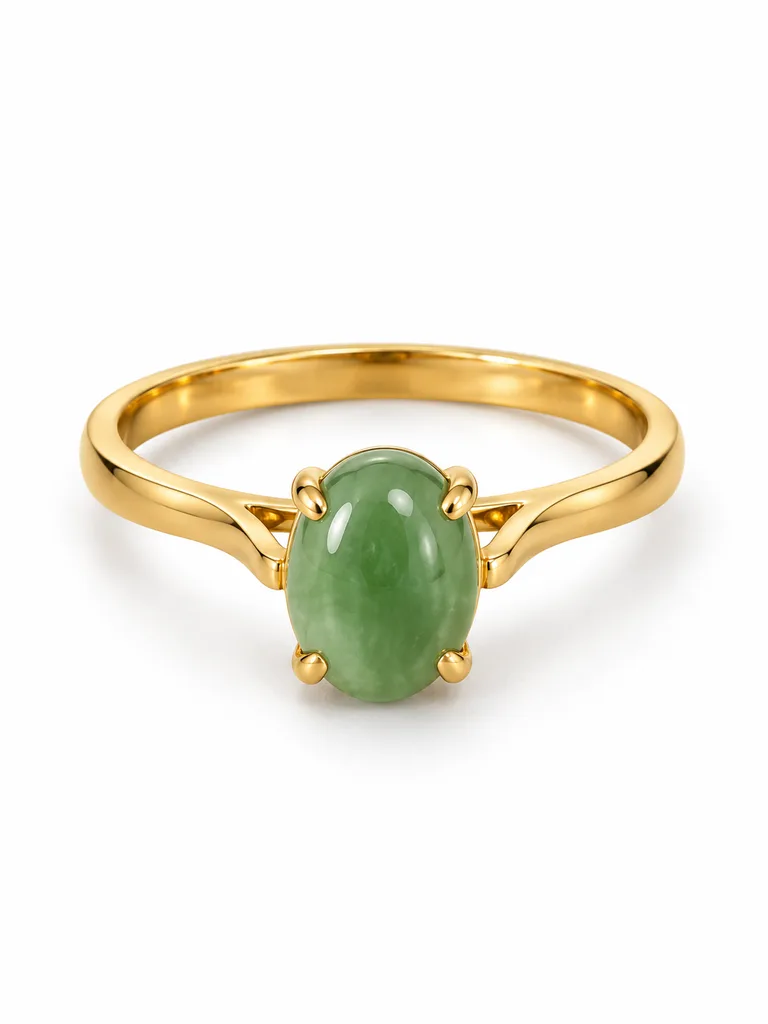
On white 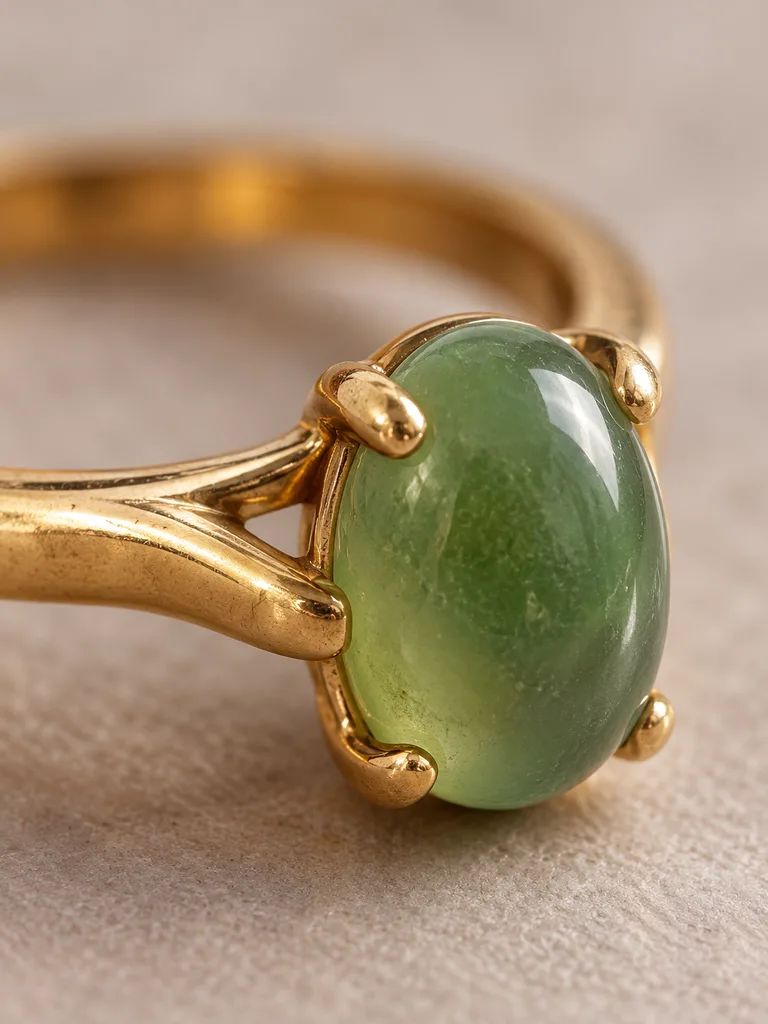
Macro Band on the hand 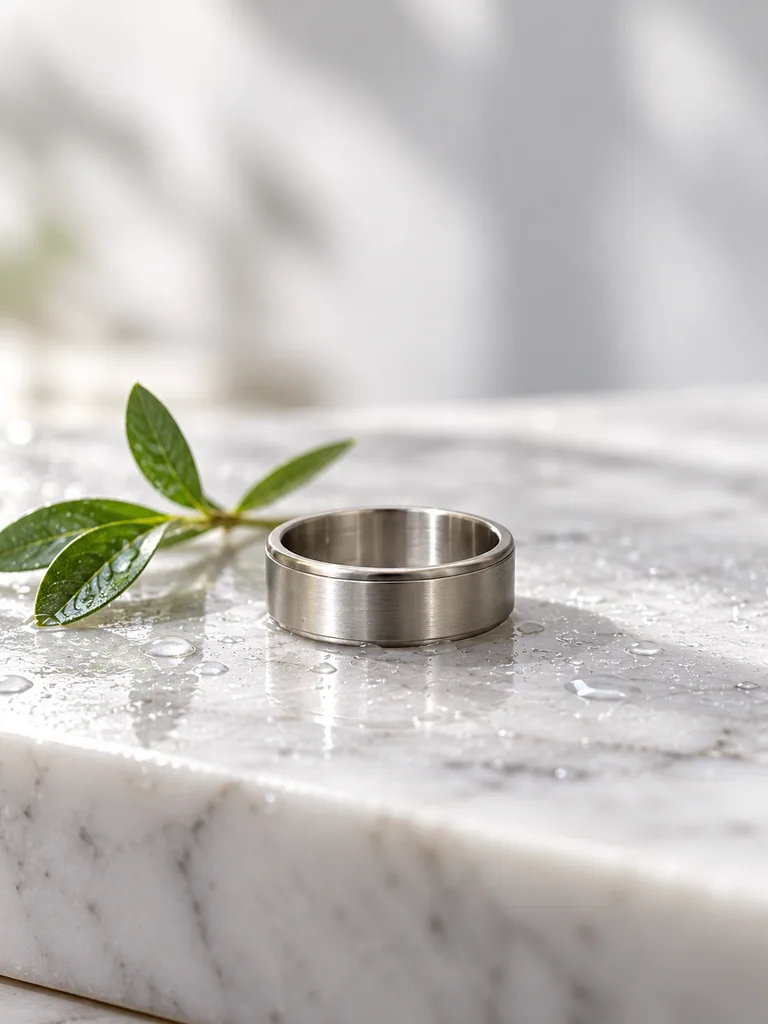
On marble Pre-owned ring

About these shots
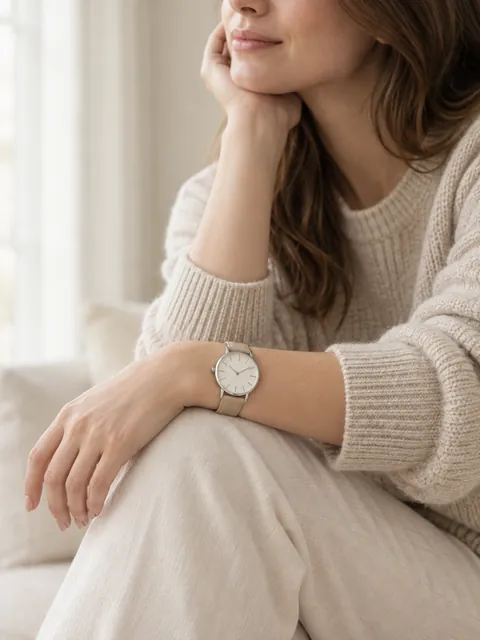
- On the hand
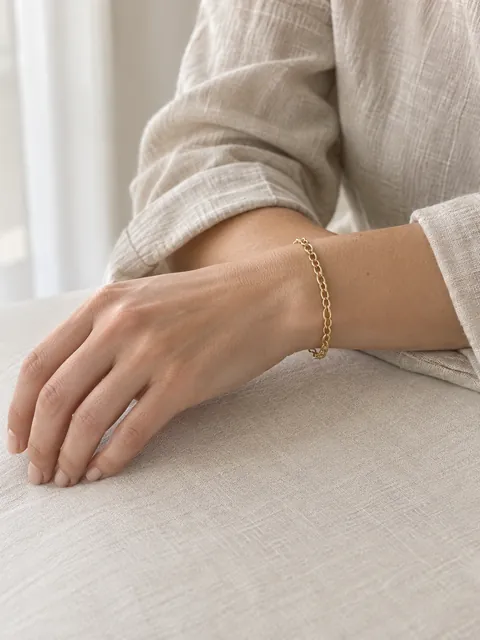
- Accessory on a model: the ring stays its true size.
- On white
- The product named in a note; see below.
- Macro
- Stone, prongs and the split shank.
- Band on the hand
- A plain band needs the hand for scale.
- On marble
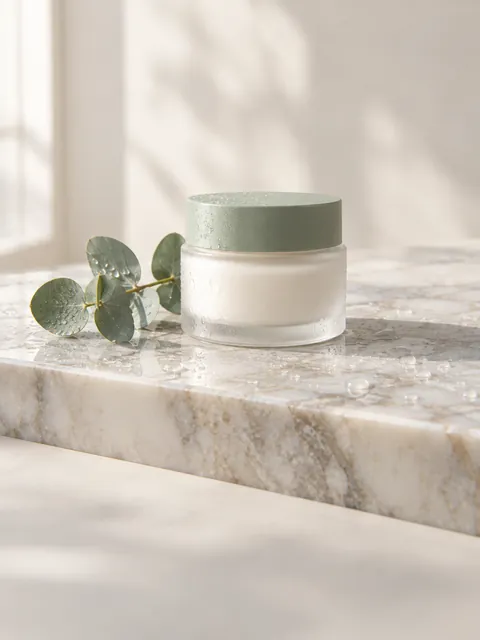
- The Marble scene for a beauty-campaign look.
- Pre-owned ring
- Showcase shot for resale: wear kept as it is.
The before photos on this page are generated stand-ins for a seller’s phone snapshot. Each result is the named Sweepshot scene applied to that snapshot, with no retouching afterwards.
Tell the studio which item is the ring
Our first white shot of this ring came out as the hair clip.
Details
The snapshot above has two objects: a small ring and a much larger hair clip. The White background main image scene picked the bigger, more visible object and put the hair clip on white.
We ran it again with one line in the note field, “the product is the small gold ring with the oval green stone, not the hair clip”, and got the ring shown in this set. The hand, macro and marble scenes found the ring without a note.
For small jewelry, photograph it alone, or name it in a few words when something larger shares the frame.
What must stay true in a ring photo
01
Stone
Shape, cut, color and how many stones. A cabochon stays smooth; a faceted stone keeps its facets.
02
Metal
Yellow, white or rose, polished or brushed, as on the real ring.
03
Setting
Number of prongs, bezel or channel, the shape of the shank.
04
Size on the hand
Compare the ring to the finger width; give the ring size and band width in the listing.
05
Hallmarks and engraving
Photograph them as they are, close up, with the Hallmark close-up scene for pre-owned pieces.

Ring size chart for your listing
| US size | Inside diameter, mm | Inside circumference, mm |
|---|---|---|
| 5 | 15.7 | 49.3 |
| 6 | 16.5 | 51.9 |
| 7 | 17.3 | 54.4 |
| 8 | 18.1 | 57.0 |
| 9 | 18.9 | 59.5 |
| 10 | 19.8 | 62.1 |
Notes
The standard US ring scale. Make an image of it for your listing with the size chart maker, Rings template.
Questions
How do I photograph a ring with my phone?
Put the ring alone on a plain surface near a window, tap to focus on the stone and keep the phone steady. That snapshot is enough for on-hand, white and macro shots.
How do I get a photo of a ring on a hand without a hand model?
Use the Accessory on a model scene. It puts the ring on a hand at its true size, keeping the stone, metal and setting from your photo.
What background is best for ring photos?
White for marketplaces, white marble or warm paper for your shop, and a hand for scale. Avoid busy wood grain behind small stones.
Why did the AI pick the wrong item?
When a larger object shares the frame, a scene can take it for the product. Shoot the ring alone, or add a short note such as “the product is the gold ring”.
How do I show ring size in a listing?
Give the US size and band width in the title or description, add an on-hand photo for scale, and include a ring size chart image.
What are good ring photography ideas?
On a hand near the face, in macro on the stone, on marble with a small sprig, in an open gift box for the holidays, and a pre-owned ring with its hallmark close-up.